
Nano Banana Prompts: Practical Editing Workflow
Write Nano Banana prompts that separate generation from editing, protect reference details, and turn one useful image into repeatable campaign variants.
 Lem Gen Team
The fastest way to improve Nano Banana prompts is to stop treating every request like a single giant paragraph. Nano Banana is strongest when the prompt tells it which job it is solving, which details it must protect, and which details are allowed to change. If you need a new concept, start from generation. If you already have a useful product image, portrait, or layout, switch to editing and make the protected parts explicit.
When the recurring task is “same character, new scene” rather than general editing, pair this model-specific guide with the broader character consistency prompt workflow so the anchor reference and scene-variation blocks stay separate.
Start from the Lem Gen homepage, review the Nano Banana prompt library, compare structure in the GPT Image prompt hub, then open the Workspace with Nano Banana Pro selected when you want to test the prompt immediately. If your starting point is an existing visual, keep the image-to-prompt workflow nearby; if the target is a commercial asset, also use the AI product photography prompt workflow.
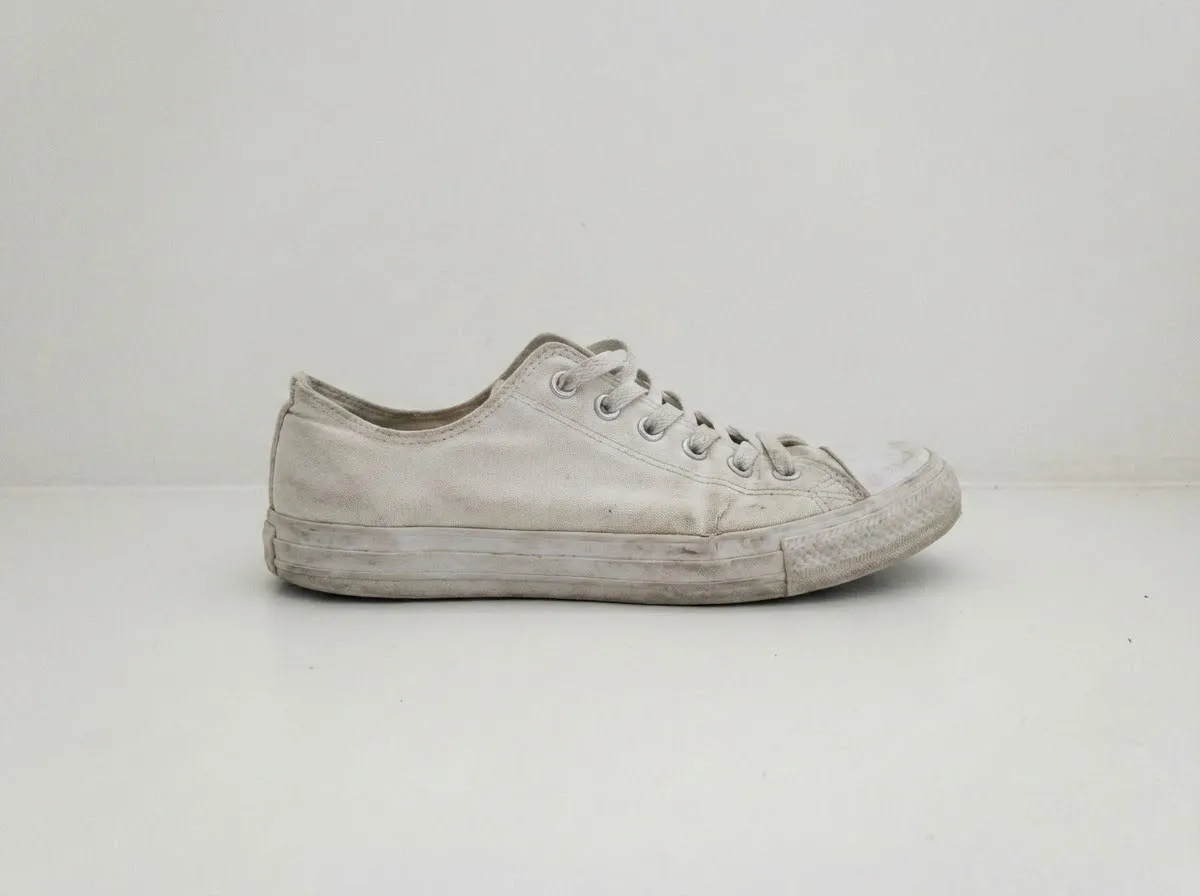
A reference-first workflow starts by deciding what the image must keep, not by throwing style words at the model.
The article below is written for the real problem behind the query: people do not just want sample prompts. They want a repeatable way to turn one useful image, one prompt idea, or one campaign brief into edits they can trust. That means separating generation prompts from editing prompts, preserving the right details, and keeping revisions small enough to diagnose.
Start by choosing generation or editing
This is the first decision because it changes the whole prompt shape. Generation prompts build a new image from scratch. Editing prompts inherit an existing image and push it in a new direction. The mistake that wastes the most time is using generation language for editing work.
If you are starting from nothing, the prompt needs to define the subject, framing, light, style, and constraints clearly enough to create the first composition. If you already have a product image, portrait, or layout, the prompt needs to say what must stay stable before it introduces any new change.
Generation job:
Create a clean campaign image for a premium ceramic coffee bottle,
front three-quarter view, soft side light, muted stone background,
clear top space for copy, no text in the image.
Editing job:
Use the uploaded bottle photo as the identity source.
Keep the bottle shape, label placement, cap geometry, and cream ceramic finish.
Replace the kitchen background with a warm stone shelf and soft morning light.
That difference looks small, but it determines whether the model invents a new product or treats the reference as the anchor. The current Google documentation also makes this split explicit: Nano Banana models accept text, image, and even video context, but the reference strategy changes by task and model tier. That is why the prompt should declare the mode in human terms even when the UI already knows it.
Write the visual job before the style
Most weak prompts begin with style adjectives because style feels creative. Most useful prompts begin with the job because the job tells you what “good” looks like. A poster, product refresh, lifestyle mockup, thumbnail, and brand board all need different constraints even if they share the same color palette.
Write one sentence that explains what the image must do:
Visual job: Create a 4:5 social launch visual for a new beverage bottle.
Success check: bottle remains recognizable, the background supports the launch theme,
and the upper-right area stays clear for one short headline.
That sentence gives you a review rule. If the final image is beautiful but the bottle shape changed, the prompt failed. If the background looks rich but there is no text-safe space, the prompt failed. If the camera angle makes the packaging unreadable, the prompt failed. The job keeps the review honest.
This is also where a lot of “viral prompt” collections become less useful than they look. They often show attractive outputs without saying whether the image was meant for a marketplace listing, a hero banner, an ad concept, or a mood board. Nano Banana can handle all of those, but your prompt needs to decide which one it is doing.
Protect the details that matter
When the task is editing, the prompt must list the non-negotiable details. Do not write “keep it the same.” That instruction is too broad. Write the specific parts that carry identity, trust, or usability.
For products, those are usually:
- silhouette and proportions;
- cap or lid geometry;
- label placement and major text blocks;
- material finish;
- color family;
- the crop or text-safe area that the campaign needs.
For portraits, those are usually:
- face shape and expression range;
- hairstyle and key wardrobe elements;
- camera distance or crop;
- lighting direction that supports skin texture;
- background simplicity if the final image needs overlays.
Protected details:
- preserve the bottle silhouette and short cap
- keep the cream ceramic finish
- keep the label area clean and readable
- no extra objects overlapping the main product
- maintain a 4:5 portrait layout with open copy space above
This is where the product-ad prompt collection becomes a better companion than a random prompt dump. You can borrow a visual framework, but you still need to replace the protected details with your own verified product, brand, or subject information.
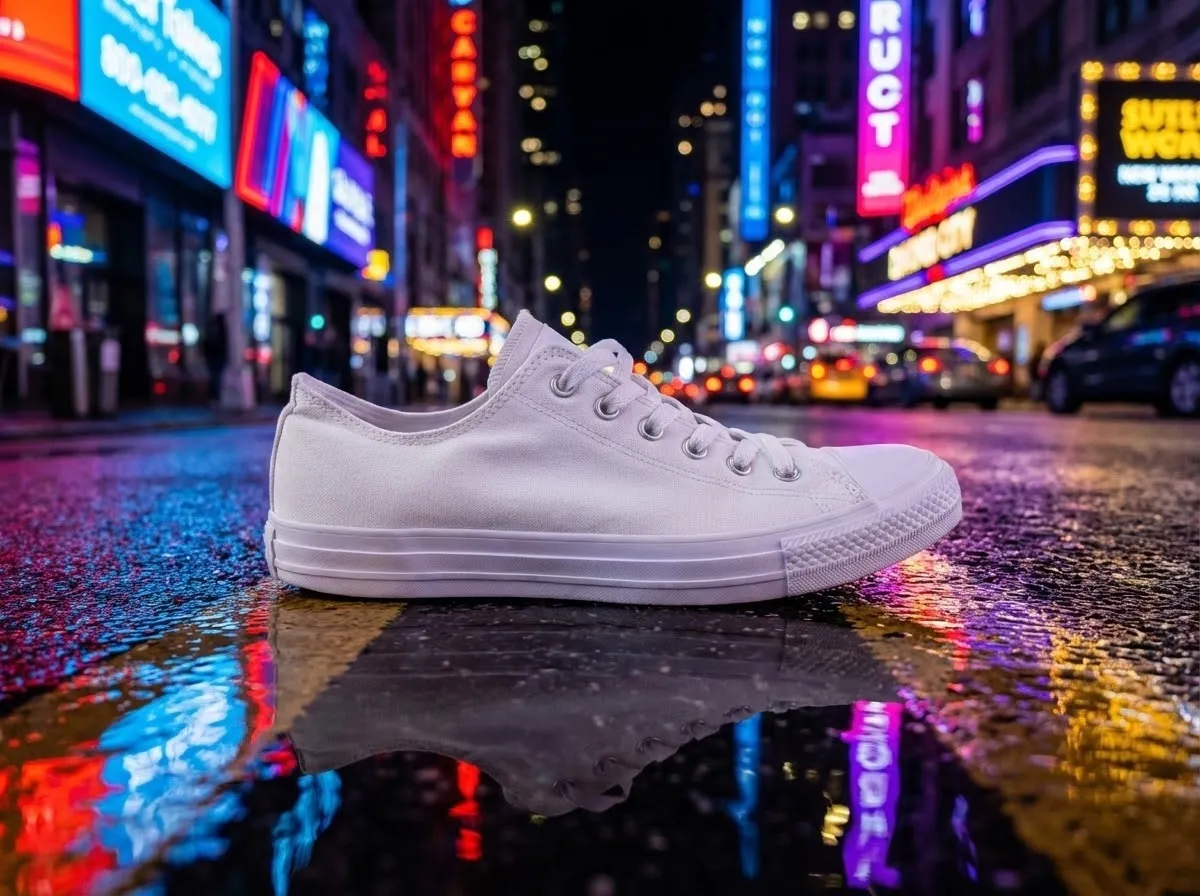
A strong editing prompt keeps product identity stable while the scene, framing, and atmosphere change around it.
Use fewer references, but make them cleaner
Another common failure comes from overfeeding the model. A large pile of reference images feels safer because it seems more informative, but too many conflicting crops, angles, lighting setups, or materials can blur the target instead of clarifying it. For most commercial Nano Banana work, one clear identity reference and one optional style or layout reference are easier to control than a stack of mixed inputs.
Think about what each reference is doing. One image may define the subject or product geometry. Another may define the desired environment. A third may define typography or mood if the model tier supports that kind of reference. If two references answer the same question differently, the prompt is already in conflict before the model starts working.
That is why a prompt library and a workspace should live together. The library helps you identify a reusable visual pattern. The workspace helps you test whether your current reference set is actually helping the job. When a revision drifts, reduce the reference stack before you add more prose.
Use a four-block prompt structure
Nano Banana prompts become easier to fix when each instruction belongs to one block. My practical default is:
- visual job;
- protected details;
- scene and composition;
- exclusions and review notes.
That is simpler than a giant JSON-like spec, but it is structured enough to survive revisions.
Visual job:
Create a polished campaign image for a new tea bottle launch.

Protected details:
Use the uploaded bottle as the identity source. Preserve bottle shape,
cap size, label placement, cream ceramic finish, and overall proportions.

Scene and composition:
Place the bottle on a pale travertine plinth, front three-quarter view,
soft side light from camera left, muted olive background, premium but calm mood,
top-right negative space for a short headline.

Exclusions and review notes:
No extra bottles, no invented logos, no warped label, no glossy plastic finish,
no cluttered props, no strong reflections hiding product edges.
This four-block shape works because each failure has an obvious home. If the identity drifts, tighten the protected details. If the picture feels bland, improve the scene block. If the model keeps inventing unwanted text or props, strengthen the exclusions. The prompt stops feeling like magic and starts behaving like a production brief.
Build prompts around one controlled change
The most reliable Nano Banana prompt is often the one that changes one big thing at a time. Change the lighting, or the setting, or the crop, or the material mood, but not all of them at once. If every line moves, you do not know what caused the success or the failure.
Use a variation rule like this:
Keep fixed:
- reference image
- bottle shape and label
- 4:5 crop

Change this round:
- move from neutral studio shelf to warm travel-lifestyle setting
Or:
Keep fixed:
- face identity
- chest-up portrait crop
- jacket and glasses

Change this round:
- replace flat daylight with dramatic red-and-cyan night lighting
This is the same discipline that makes the GPT Image remix workflow useful. You are not trying to be verbose. You are trying to make each revision auditable.
Use templates for the common Nano Banana jobs
Most searchers asking for “Nano Banana prompts” want something reusable, so here are the prompt shapes that actually save time.
1. Reference-based product refresh
Use the uploaded product image as the identity source.
Keep the object shape, cap geometry, label placement, and material finish unchanged.
Create a cleaner premium campaign scene with a soft stone surface, warm directional light,
subtle background depth, and clear negative space for launch copy.
Do not invent logos, extra objects, duplicate products, or reflective glare over the label.
2. Poster or announcement visual
Create a bold 4:5 launch poster for [subject].
Keep the hero object large and centered low in the frame.
Use high-contrast lighting, one dominant color family, and clean text-safe space.
Design for a commercial graphic look without messy typography baked into the image.
No clutter, no unrelated props, no tiny unreadable micro-details.
3. Portrait restyle without identity drift
Use the uploaded portrait as the identity reference.
Preserve face shape, hairstyle, glasses, and neutral expression.
Change only the environment and lighting: dramatic night street scene,
red and cyan neon reflections, shallow depth of field, premium editorial tone.
Do not change the person, age cues, facial proportions, or wardrobe silhouette.
4. Layout-ready marketing visual
Create a polished campaign image from the uploaded source asset.
Preserve the central subject and brand-facing details.
Expand the environment into a cleaner high-end setting with soft depth,
intentional whitespace for copy, and a layout-friendly focal hierarchy.
No random text, no busy background patterns, no duplicate subject.
The shared logic across all four is simple: name the job, protect the identity, add the visual direction, then list the failures you cannot accept.
Layout-ready prompts should state the focal hierarchy and the whitespace requirement, not just the style mood.
Diagnose the failure instead of adding adjectives
When a Nano Banana result misses, people often react by piling on more style words. That usually hides the real problem. Diagnose the specific failure:
- If the product shape changed, the protected-details block is weak.
- If the crop is awkward, the composition instruction is vague.
- If the background competes with the subject, the visual job is unclear.
- If text or logos look wrong, reduce the dependence on in-image typography and keep those areas simple.
- If the output ignores the reference, the prompt sounds like generation instead of editing.
Use a short review note after every good or bad output:
Review note:
Pass: subject identity, light direction, clean copy space
Fail: label edge warped, background prop too close to silhouette
Next revision: keep scene, tighten protected label instruction, remove prop
This makes the next prompt shorter, not longer. It also gives you a team-readable history instead of a folder full of filenames with no reasoning behind them.
Treat motion as a later handoff, not the first prompt
One reason Nano Banana prompts fail is that users try to solve still-image quality and motion design in the same sentence. Do not do that. First get the still right. Then hand the approved frame into a motion workflow.
The first-party Lem Gen clip below is not a Nano Banana output. It is a product example of what happens after the still-image brief is already stable enough to move into motion. That is why the still prompt needs protected details and clean composition first.
If motion is the actual destination, continue into the Seedance video prompt guide. If the starting point is a visual you want to reverse-engineer first, go back to the image-to-prompt workflow. Nano Banana performs better when it solves one stage cleanly instead of pretending the whole creative pipeline is one prompt.
Save the prompt with its context
A reusable Nano Banana prompt is not just text. It is:
- the prompt;
- the reference policy;
- the model choice;
- the aspect ratio;
- the review notes;
- the approved output or the reason it failed.
That is why the Lem Gen prompt library and the Nano Banana prompt hub are better used as structured starting points than as copy-paste endpoints. The winning prompt is usually not the first one you copied. It is the one you revised with a clear record of what stayed fixed and what changed.
When you are ready to test the prompt, use the Workspace with Nano Banana Pro selected. When the task depends on a protected source image, switch to the image-editor workspace. When the target is a more commercial product shot, compare against the product photography workflow before you approve the final asset.
A simple Nano Banana checklist
Before you hit generate, ask:
- Am I using generation or editing?
- Did I name the image job?
- Did I list the protected details?
- Did I separate scene from exclusions?
- Am I changing one major variable at a time?
- Do I know what failure I am reviewing for?
If those answers are clear, the prompt is usually clear enough to test. If they are fuzzy, another paragraph of adjectives will not save it.
The shortest useful summary is this: Nano Banana prompts work better when they read like controlled production briefs, not wish lists. Start with the job, lock the details that matter, change one thing at a time, and keep the approved version next to its references. Use the Lem Gen homepage, the Nano Banana prompt library, and the Workspace as one loop: inspect, adapt, generate, review, and save.