
Sharper visual details
Preserve small product features, material texture, edges, and typography with fewer muddy areas when a prompt contains many specific requirements.
Turn detailed prompts into polished visuals with an image workflow built for the new GPT Image 2.5 era. Explore unlimited ideas, start with free Lem Gen credits, and move from concept to usable creative without leaving your browser.
OpenAI announced GPT Image 2.5 on September 8, 2026. The embedded Lem Gen tool below currently runs our available GPT Image 2 workflow. GPT Image 2.5 will only be enabled after provider access has been verified. We label the active model inside the generator so you always know what you are using.
Create online
Describe the subject, composition, lighting, text, materials, and constraints you need. The generator is free to try with account credits; higher resolutions and continued generation use credits shown before you submit.
AI Model
Reference documents
0/3Files are processed temporarily and are not stored. Extracted text becomes part of the generation prompt.
Prompt
Aspect ratio
Resolution
Public Visibility
iFree generations stay public unless you upgrade.
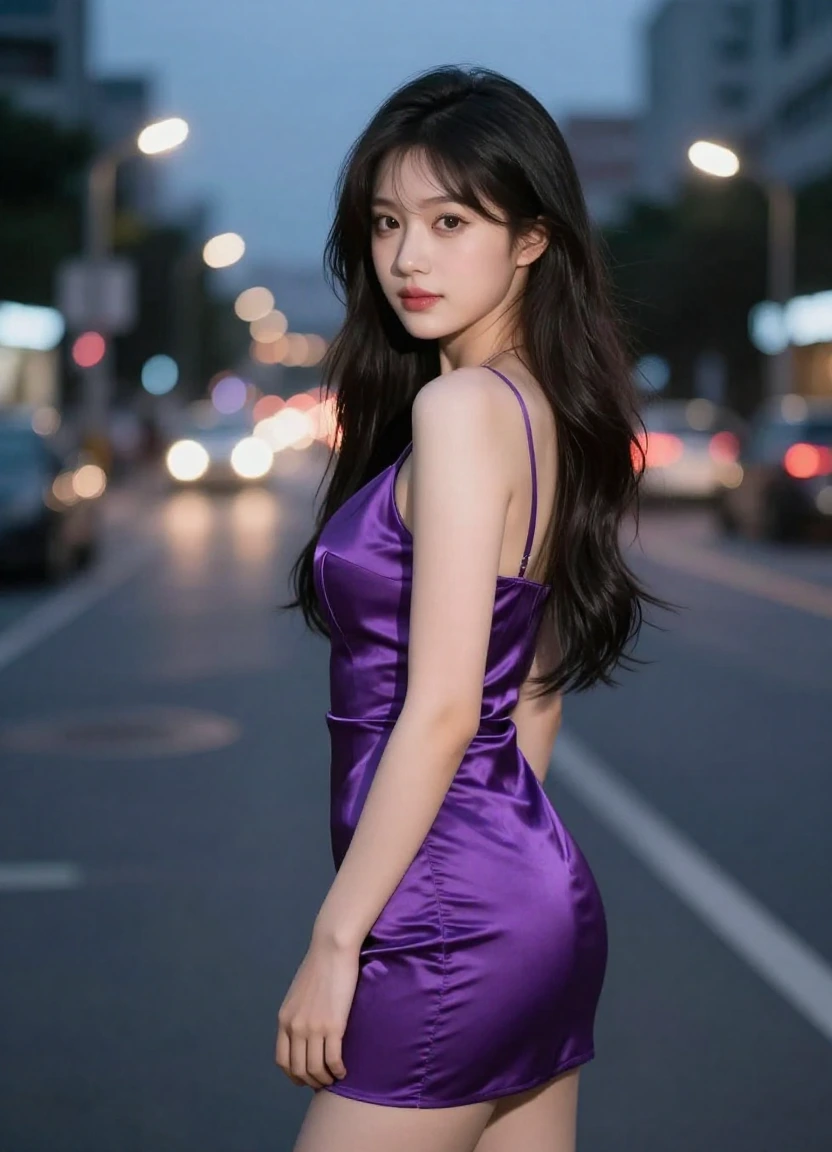
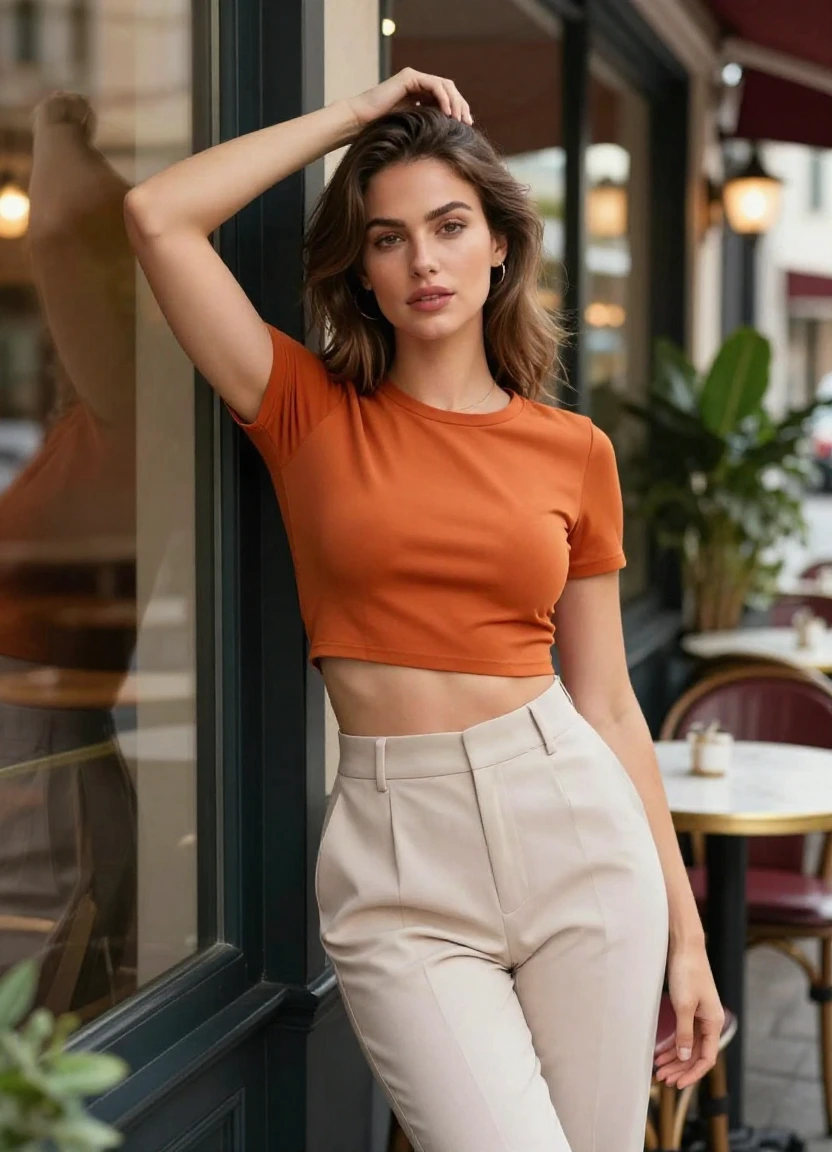
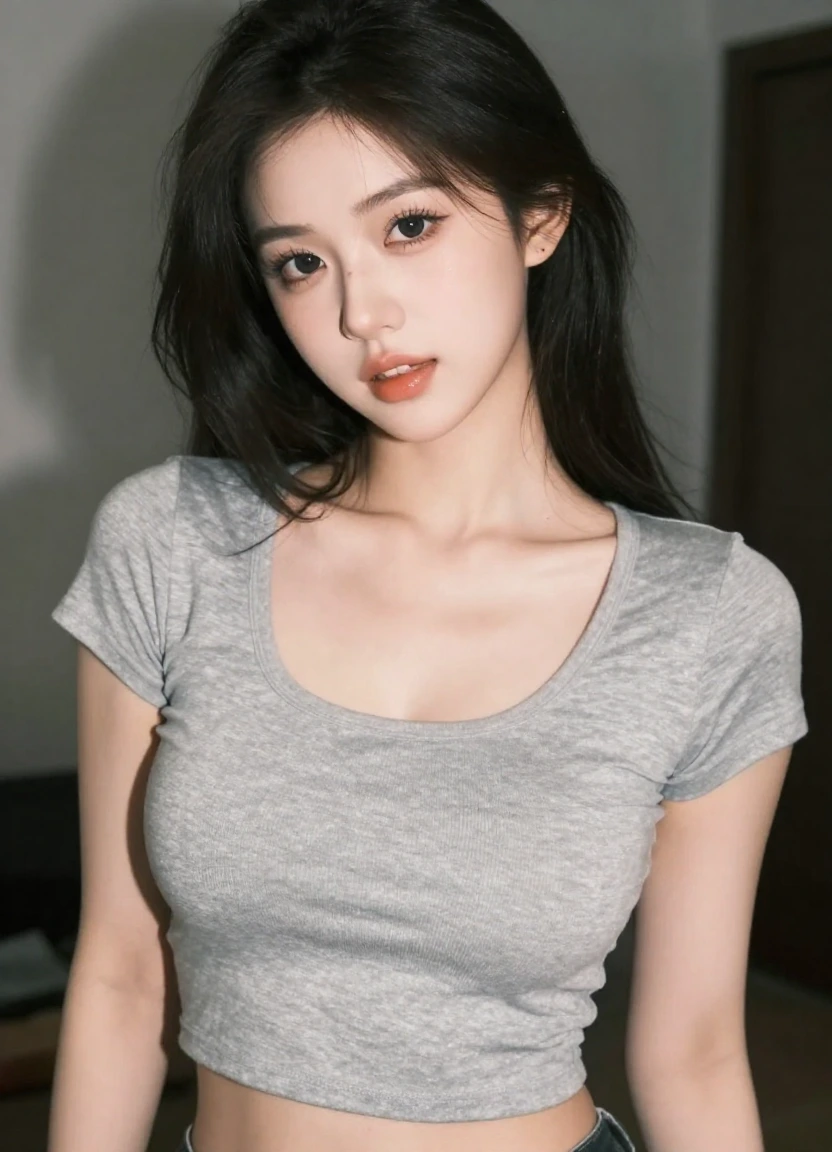
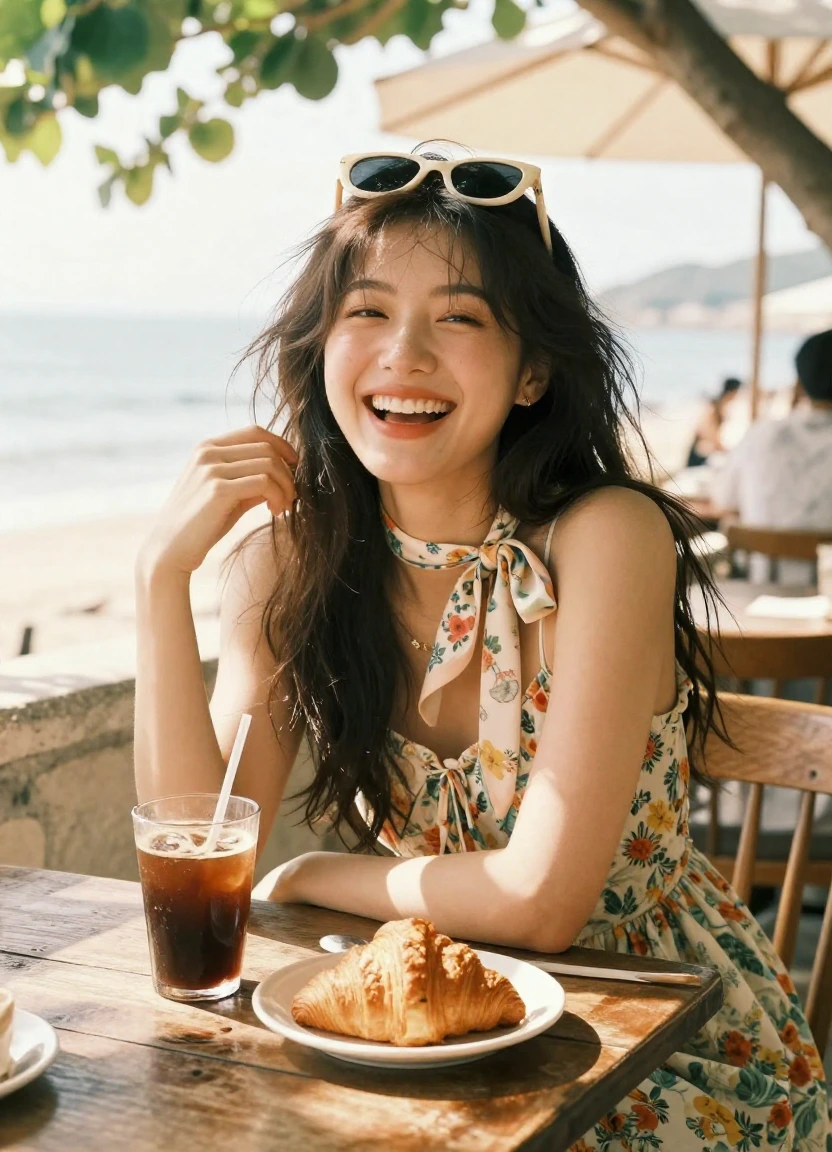
What is new
The official release focuses on production details that matter after the first impressive draft: cleaner rendering, controllable revisions, visual consistency, and faster iteration.
Preserve small product features, material texture, edges, and typography with fewer muddy areas when a prompt contains many specific requirements.
Change a targeted object, color, pose, background, or line of text while asking the rest of the composition to remain stable.
Keep identities, important visual cues, and the overall scene more consistent across a sequence of multi-turn image edits.
OpenAI reports up to 50% lower latency than Images 2.0, making prompt refinement and edit-review loops feel more immediate.
Built for real work
Create campaign concepts, ecommerce scenes, packaging mockups, social variants, and clean product compositions from a structured brief.
Explore key art, posters, editorial graphics, presentation visuals, and art directions while protecting the details that define the concept.
Develop a character across poses, outfits, locations, and story beats with explicit identity and continuity constraints in each prompt.
Replace backgrounds, clean up distractions, restyle materials, revise copy, or adjust lighting without rebuilding the entire image from scratch.
How it works
A good GPT Image 2.5 free image generator workflow is less about adding random adjectives and more about giving the model an ordered creative brief.
01
Name the subject and goal first, then specify composition, camera, lighting, materials, color, text, aspect ratio, and anything that must not change.
02
Select an aspect ratio and resolution that match the final placement. Use a compact size for exploration and a higher resolution for approved assets.
03
Evaluate accuracy before style. Make one focused change per edit so the next result tells you exactly which instruction improved the image.
Model comparison
GPT Image 2 remains a capable generation option. GPT Image 2.5 is positioned as the refinement for teams that need more fidelity and control in production workflows.
| Capability | GPT Image 2.5 | GPT Image 2 |
|---|---|---|
| Fine detail | Sharper details and richer textures | Strong general rendering |
| Editing control | More precise targeted edits | Useful broad and local edits |
| Multi-turn consistency | Improved identity and scene continuity | May drift across repeated revisions |
| Speed | Up to 50% lower latency than Images 2.0 | Previous-generation baseline |
Prompt guide
Use concrete nouns and relationships. Separate creative intent from requirements, and state which elements must stay unchanged when editing an existing image.
[goal] + [subject] + [composition] + [environment] + [lighting] + [materials and color] + [text] + [camera or style] + [constraints]
Example prompt
Create a premium studio product photo of a translucent amber perfume bottle on pale limestone. Three-quarter close-up, soft window light from the left, realistic glass refraction, restrained warm shadows, ivory and charcoal palette, 4:5 composition, no hands, no extra bottles, leave clean negative space above the product for ad copy.
Lem Gen is free to start with account credits. It does not promise unlimited zero-cost generations; every paid option shows its credit allowance before checkout.
Full-year access · renew manually after expiry
Frequently asked questions
Straight answers about access, free usage, prompting, editing, quality, and commercial workflows.
Start with a structured prompt, generate a draft, and refine the details that matter to your campaign.
Create an image now