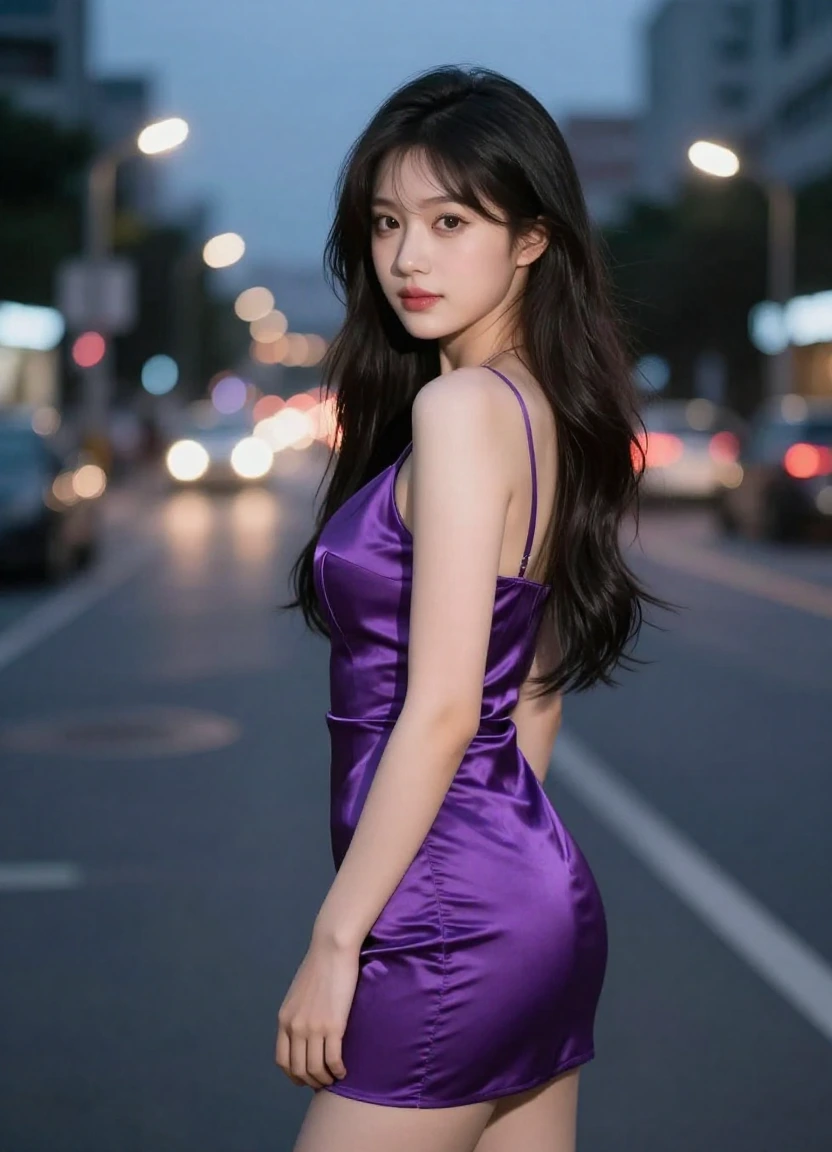
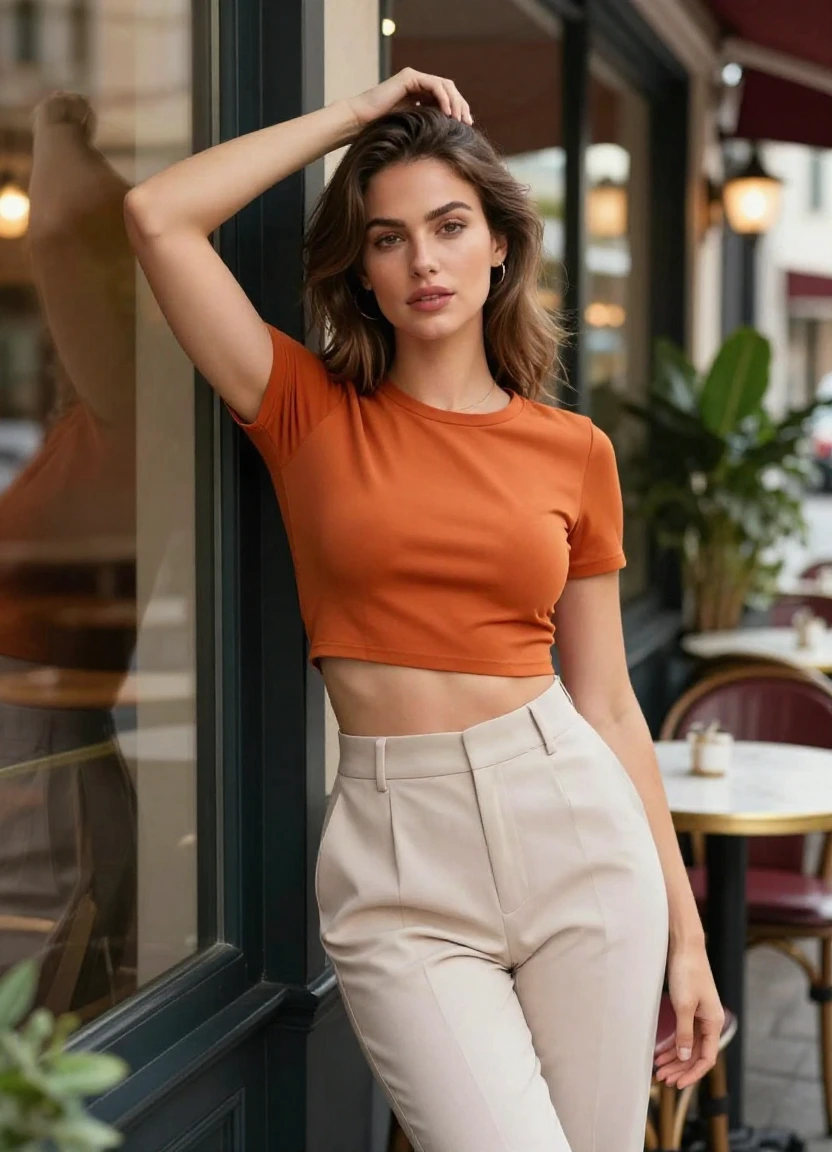
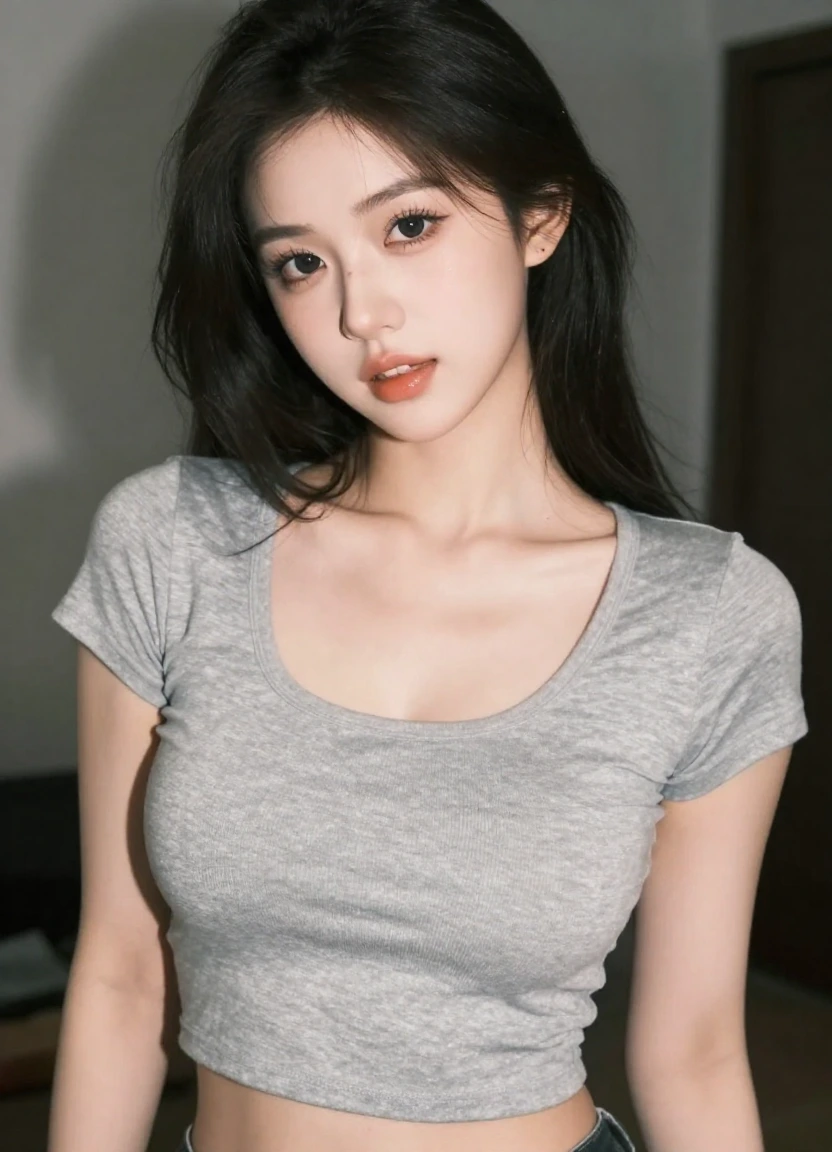
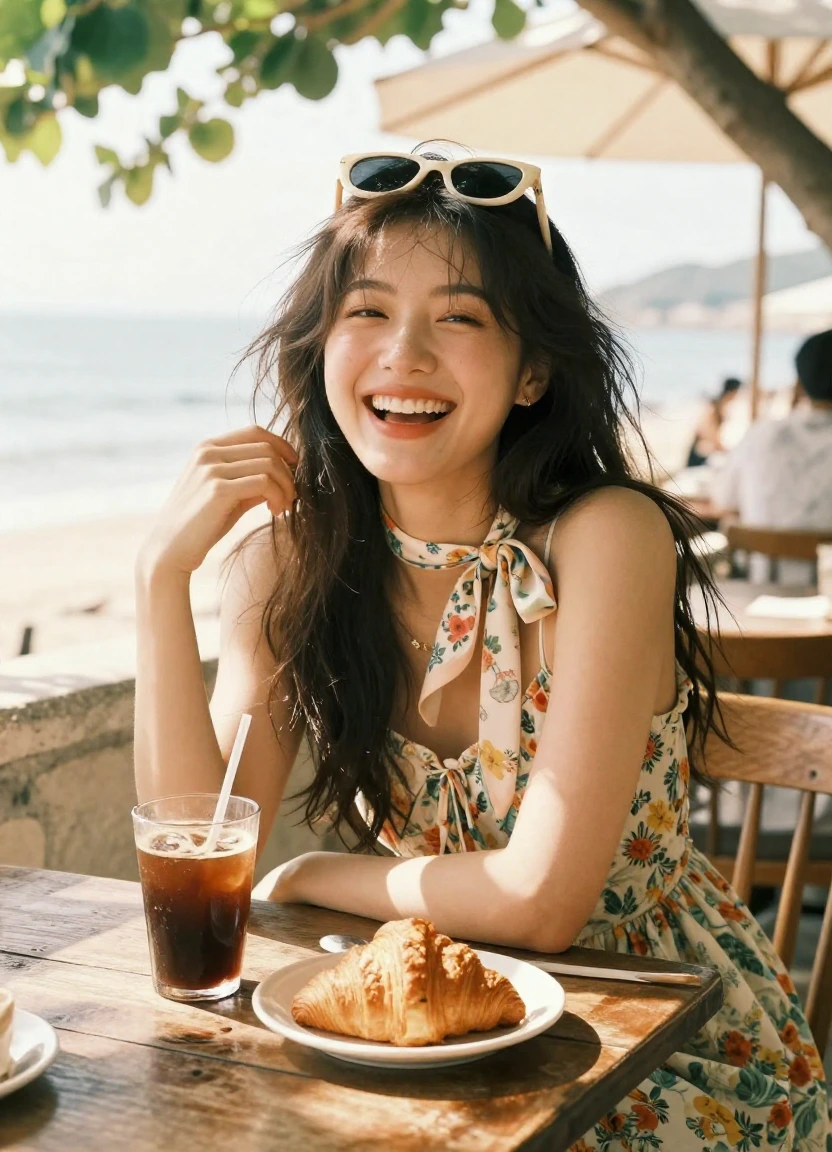
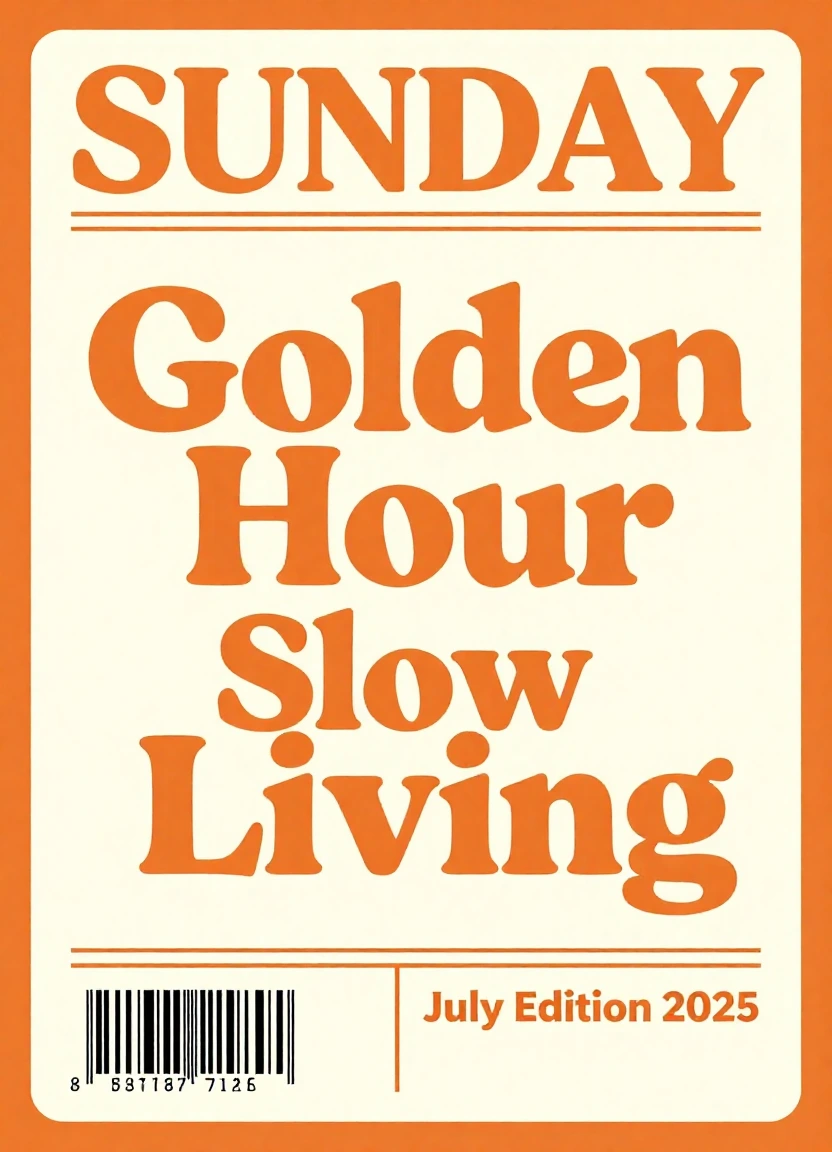
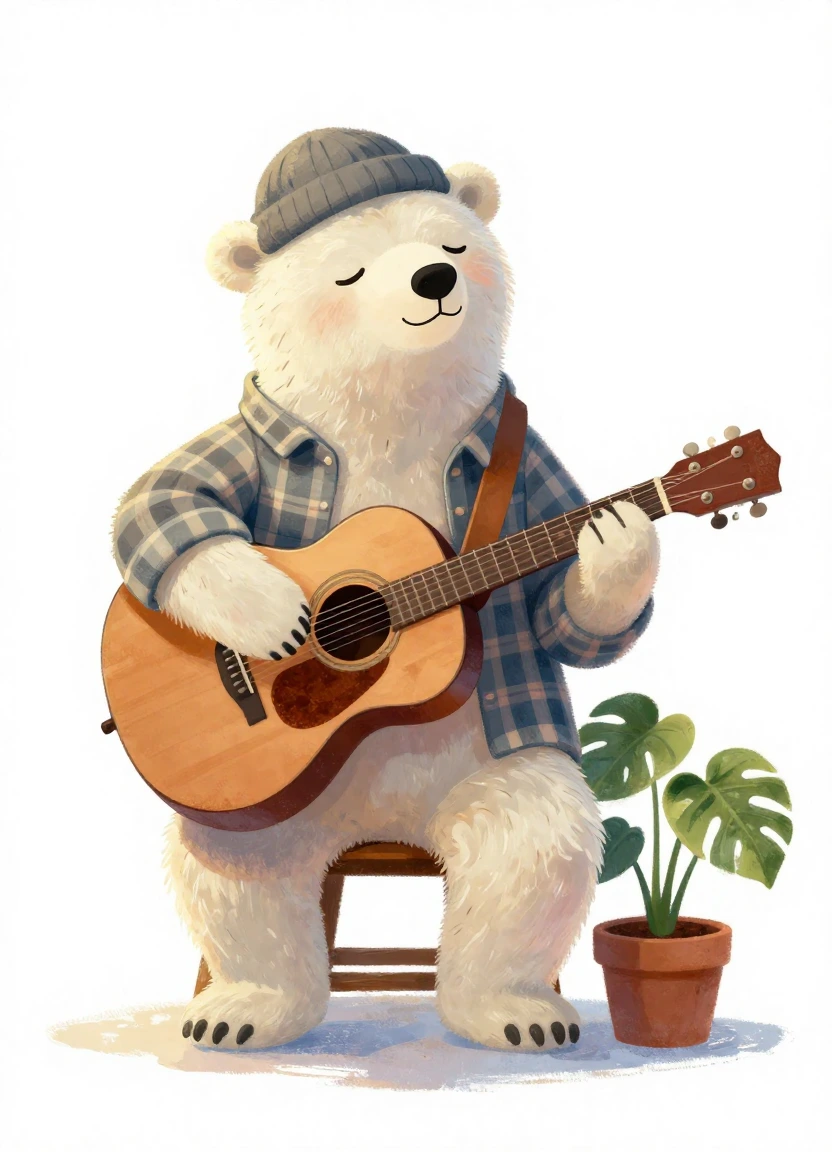
Skip the blank page. Start with 12 practical GPT Image 2.5 prompt examples for product shots, portraits, posters, characters, layouts, and targeted edits. Copy any brief for free, replace the bracketed details, and test it in the Lem Gen image workflow.
These free GPT Image 2.5 prompts are structured around the capabilities in OpenAI’s September 8, 2026 announcement. Lem Gen’s embedded tool currently uses its available GPT Image 2 workflow. The model name shown inside the generator is always the source of truth; verified GPT Image 2.5 access will be labeled only when it is live.
Each prompt is an editable production brief, not a magic keyword list. Replace brand names, copy, colors, subjects, and constraints with details you are authorized to use.
Product
Ecommerce hero image
Premium studio product shot
Create a premium studio product photograph of [PRODUCT] standing on pale limestone. Three-quarter close-up, camera at product height, soft window light from the left, realistic material texture and restrained warm shadows. Use an ivory, charcoal, and [BRAND COLOR] palette. Keep the label spelling exactly “[LABEL TEXT]”. 4:5 composition, clean negative space above the product, no hands, no duplicate objects, no invented badges, no watermark.
Portrait
Profile or campaign portrait
Natural editorial portrait
Create an editorial portrait of [SUBJECT DESCRIPTION] beside a large north-facing window. Waist-up framing with relaxed posture and direct eye contact, 85mm lens feel, soft daylight, natural skin texture, subtle catchlights, neutral wardrobe, and a warm gray studio background. Preserve facial proportions and distinctive features. Avoid plastic skin, heavy retouching, extra fingers, warped jewelry, logos, and text. Output in a vertical 4:5 crop.
Typography
Poster and social announcement
Event poster with clear text
Design a bold vertical event poster for [EVENT]. Place the exact headline “[HEADLINE]” large at the top, the exact date “[DATE]” below it, and “[LOCATION]” in a small footer. Use a strong three-level type hierarchy, generous margins, one geometric focal shape, and a limited palette of [COLOR 1], [COLOR 2], and cream. Modern editorial design, crisp letterforms, 4:5 aspect ratio. Do not add extra words, fake sponsors, QR codes, or watermarks.
Food
Menu and social creative
Appetizing food campaign image
Photograph [DISH] on a handmade ceramic plate at a sunlit café table. Show the real ingredients clearly: [INGREDIENTS]. Three-quarter overhead angle, fresh steam, crisp garnish, realistic sauce texture, soft morning light, gentle falloff, and a muted terracotta background. Leave negative space on the right for approved copy. 4:5 crop. No cutlery crossing the food, no impossible ingredients, no text, no hands, no excessive gloss.
Character
Story and animation reference
Consistent character sheet
Create a clean character turnaround sheet for [CHARACTER]: full-body front view, three-quarter view, side view, back view, and four facial expressions. Preserve the same face, hairstyle, body proportions, clothing construction, color palette, and accessories in every panel. Neutral standing pose, even studio lighting, light gray background, labeled panel spacing but no written labels. Wide 16:9 canvas, no cropped feet, no duplicate limbs, no style drift.
Publishing
Cover concept
Atmospheric book cover
Create a front book-cover concept for a [GENRE] novel titled exactly “[TITLE]” by “[AUTHOR]”. Central visual: [SYMBOL OR SCENE], seen through [COMPOSITION DEVICE]. Mood is [MOOD], with cinematic depth, controlled contrast, and a palette of [COLORS]. Title is the largest element, author name is clearly smaller, both fully legible at thumbnail size. 2:3 portrait layout. No spine, no mockup, no review quotes, no publisher logo, no extra text.
Design
App and presentation assets
Transparent 3D icon set
Create a cohesive set of six 3D icons representing [CONCEPTS]. Use rounded geometry, matte [MATERIAL], soft bevels, consistent isometric camera angle, and one [ACCENT COLOR] detail per icon. Arrange the icons in a precise 3-by-2 grid with equal scale and spacing. Transparent background, soft contact shadows contained beneath each icon, no labels, no logos, no border, no cropped objects. Deliver as one square composition.
Interior
Moodboard and design direction
Editorial interior concept
Visualize a [ROOM TYPE] designed in a calm contemporary style. Include [KEY FURNITURE], limewashed walls, natural oak, woven linen, and brushed metal accents. Eye-level camera from the entrance, balanced asymmetrical composition, believable circulation space, late-afternoon side light, and realistic material joins. Wide 16:9 framing. Keep windows, doors, and furniture at plausible scale; no fisheye distortion, floating objects, people, text, or watermark.
Editing
Targeted product edit
Replace only the background
Edit the uploaded image by replacing only the background with [NEW BACKGROUND]. Keep the main subject, silhouette, pose, crop, camera angle, product geometry, label text, colors, reflections, and all foreground details unchanged. Match the new environment’s light direction and contact shadow to the existing subject without altering the subject itself. Do not add props, remove details, retouch the label, change perspective, or introduce extra text.
Editing
Focused portrait edit
Change wardrobe, preserve identity
Edit the uploaded portrait by changing only the outfit to [WARDROBE DESCRIPTION]. Preserve the person’s identity, facial features, hairstyle, expression, pose, hands, body proportions, camera position, background, and lighting exactly. Make the new fabric drape naturally over the existing pose with believable seams and shadows. Do not alter age, skin texture, jewelry, framing, or color grade. Add no text or logos.
Marketing
Paid social creative
Conversion-focused social ad
Create a clean 4:5 social ad for [PRODUCT OR SERVICE]. Show one clear hero subject in the lower two-thirds and reserve the top third for the exact headline “[HEADLINE]”. Add one small button-shaped element reading “[CTA]”. Use [BRAND COLORS], high contrast, realistic depth, and a simple visual path from headline to subject to CTA. No fake ratings, no unsupported claims, no extra copy, no platform logo, no watermark.
Information
Educational visual
Simple three-step infographic
Design a vertical infographic titled exactly “[TITLE]” that explains three steps: “1. [STEP ONE]”, “2. [STEP TWO]”, and “3. [STEP THREE]”. Give each step one simple icon and one short supporting line. Use a clear top-to-bottom reading order, large accessible type, generous white space, [COLOR PALETTE], and consistent line icons. 4:5 layout. Do not invent statistics, sources, logos, extra steps, decorative paragraphs, or fine print.
Prompt framework
Write a visual brief, not a pile of keywords
The most reusable GPT Image 2.5 prompt format moves from the creative goal to visible decisions, then ends with what must remain fixed. This makes the first generation clearer and later edits easier to diagnose.
Reusable template
Create [ASSET TYPE] for [GOAL]. Main subject: [SUBJECT]. Environment: [SETTING]. Composition: [CROP, ANGLE, SPACING, ASPECT RATIO]. Lighting: [DIRECTION, QUALITY, CONTRAST]. Materials and palette: [DETAILS]. Show the exact text “[COPY]” at [LOCATION]. Preserve [FIXED ELEMENTS]. Avoid [SPECIFIC FAILURES].
01
Goal and subject
State what you are making, who or what is central, and where the asset will be used.
02
Composition and camera
Define crop, viewpoint, focal point, spacing, lens feel, and aspect ratio.
03
Light, material, and style
Describe observable light direction, surface behavior, palette, and rendering language.
04
Text and constraints
Quote required words, protect essential details, and exclude specific failure modes.
Better prompting
Four rules for more controllable results
Longer is not automatically better. A strong GPT Image 2.5 prompt removes ambiguity and gives every sentence a visible job.
1
Use concrete relationships
Write “bottle centered on a low stone plinth” instead of disconnected words such as “bottle, stone, premium.”
2
Quote exact visible copy
Keep text short, put it in quotation marks, and specify location and hierarchy so it can be reviewed precisely.
3
Protect what must not change
For edits, name the subject, layout, lighting, product geometry, or identity details that must remain fixed.
4
Revise one variable at a time
Change one material, object, line of copy, or lighting decision per edit so you can tell what improved the result.
Test a prompt
Move from prompt example to image draft
Choose “Try this prompt” on any card to load a free GPT Image 2.5 prompt below, customize the bracketed fields, confirm the active model and credit cost, then generate your draft.
Loaded prompt: Premium studio product shot
AI Model
Reference documents
0/3
Files are processed temporarily and are not stored. Extracted text becomes part of the generation prompt.
Prompt
444/5000
Aspect ratio
Resolution
Public Visibility
i
Free generations stay public unless you upgrade.
Current 30 credits · Member from 20 credits
Browsing and copying every GPT Image 2.5 prompt on this page is free. Lem Gen is free to start with account credits, but image generations are not unlimited at zero cost; the generator displays the active model and credit requirement before submission.
Choose credits for continued image creation
Full-year access · renew manually after expiry
SAVE 20%
Starter Yearly
Annual entry plan with lower effective monthly cost
$8.33/ month$29.99/mo
Billed yearly at $99.99 · 12,000 credits
12,000credits
750 videos
$0.133/ video
12,000 credits for the year
20% model-rate advantage on selected models
AI video and image generation credits
Private generations
No watermark
Commercial license
Priority queue for paid members
Cloud asset library and project history
Annual billing, legacy users protected separately
AI Models (20% off)
Seedance
Seedance 2.5NewAudio
395316
Seedance 2 MiniNewAudio
135108
Seedance 2.0
230184
Seedance 2.0 Fast
180144
Seedance 1.0 Pro
4032
Seedance 1.5 Pro
8064
Other Models (25)
Wan 2.7
180144
HappyHorse 1.0
400320
Kling 3.0
225180
3D Motion Control
490392
Veo 3.1 Lite
7560
Veo 3.1 Basic
150120
Veo 3.1 Premium
560448
Wan 2.6
160128
Wan 2.5
10080
Kling 2.5
10080
Kling 2.1 Pro
12096
Kling 2.1 Master
200160
Runway Gen 4
10080
Grok Imagine Video
4032
GPT Image 2
3024
GPT-4o
3024
Nano Banana
3024
Nano Banana 24K
4032
Nano Banana Pro4K
4032
Flux Kontext Pro
3024
Flux Kontext Max
4032
Seedream 4.04K
3024
Seedream 5.0 Lite2K
4032
Qwen Image Edit
3024
Grok Imagine Image
3024
Most popular
Pro Yearly
The best annual plan for regular creators and small teams
$25/ month$89.99/mo
Billed yearly at $299.99 · 32,000 credits
32,000credits
2666 videos
$0.113/ video
32,000 credits for the year
Up to 40% model-rate advantage on selected models
AI video and image generation credits
Private generations
No watermark
Commercial license
Priority queue for paid members
Cloud asset library and project history
Priority premium support
AI Models (up to 40% off)
Seedance
Seedance 2.5NewAudio
395237
Seedance 2 MiniNewAudio
13581
Seedance 2.0
230138
Seedance 2.0 Fast
180108
Seedance 1.0 Pro
4024
Seedance 1.5 Pro
8048
Other Models (25)
Wan 2.7
180108
HappyHorse 1.0
400240
Kling 3.0
225135
3D Motion Control
490294
Veo 3.1 Lite
7545
Veo 3.1 Basic
15090
Veo 3.1 Premium
560336
Wan 2.6
16096
Wan 2.5
10060
Kling 2.5
10060
Kling 2.1 Pro
12072
Kling 2.1 Master
200120
Runway Gen 4
10060
Grok Imagine Video
4024
GPT Image 2
3018
GPT-4o
3018
Nano Banana
3018
Nano Banana 24K
4024
Nano Banana Pro4K
4024
Flux Kontext Pro
3018
Flux Kontext Max
4024
Seedream 4.04K
3018
Seedream 5.0 Lite2K
4024
Qwen Image Edit
3018
Grok Imagine Image
3018
Best unit price
Studio Yearly
Largest annual capacity for production teams and agencies.
$75/ month$149.99/mo
Billed yearly at $899.99 · 90,000 credits
90,000credits
10000 videos
$0.090/ video
90,000 credits for the year
Up to 55% model-rate advantage on selected models
AI video and image generation credits
Private generations
No watermark
Commercial license
Priority queue for paid members
Cloud asset library and project history
Highest priority queue and support
AI Models (up to 55% off)
Seedance
Seedance 2.5NewAudio
395177
Seedance 2 MiniNewAudio
13560
Seedance 2.0
230103
Seedance 2.0 Fast
18081
Seedance 1.0 Pro
4018
Seedance 1.5 Pro
8036
Other Models (25)
Wan 2.7
18081
HappyHorse 1.0
400180
Kling 3.0
225101
3D Motion Control
490220
Veo 3.1 Lite
7533
Veo 3.1 Basic
15067
Veo 3.1 Premium
560252
Wan 2.6
16072
Wan 2.5
10045
Kling 2.5
10045
Kling 2.1 Pro
12054
Kling 2.1 Master
20090
Runway Gen 4
10045
Grok Imagine Video
4018
GPT Image 2
3013
GPT-4o
3013
Nano Banana
3013
Nano Banana 24K
4018
Nano Banana Pro4K
4018
Flux Kontext Pro
3013
Flux Kontext Max
4018
Seedream 4.04K
3013
Seedream 5.0 Lite2K
4018
Qwen Image Edit
3013
Grok Imagine Image
3013
Prompt FAQ
Free GPT Image 2.5 prompt questions
Practical answers about copying, customizing, testing, editing, and using these prompt examples responsibly.
Turn one free prompt into your own visual brief
Choose a GPT Image 2.5 prompt, replace the placeholders, and refine one visible decision at a time.