
Use your best source
A larger, less compressed original gives the model more information to work with.
Enhance image quality online with 2× AI upscaling, then inspect the result for the details that matter to you.
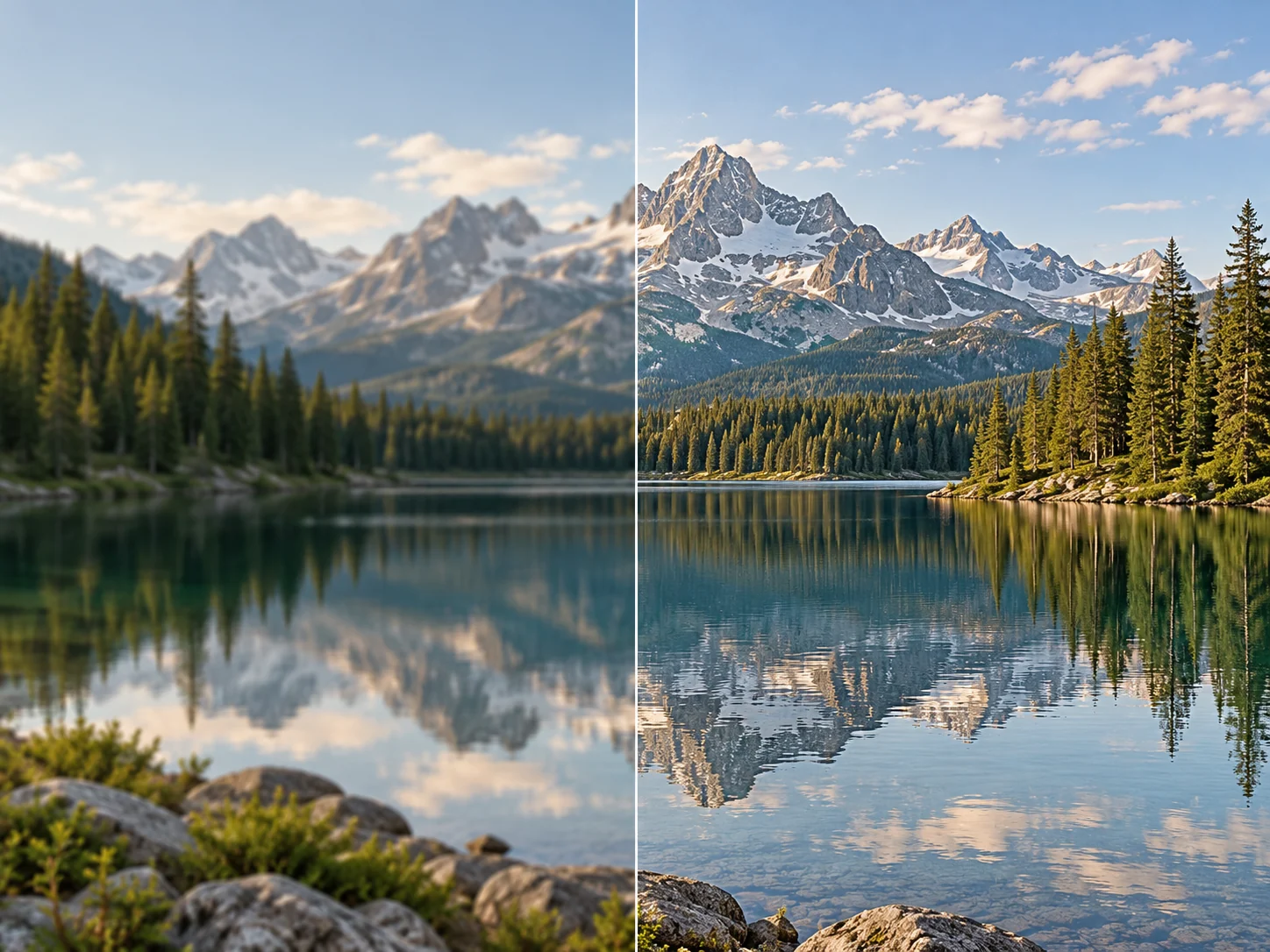
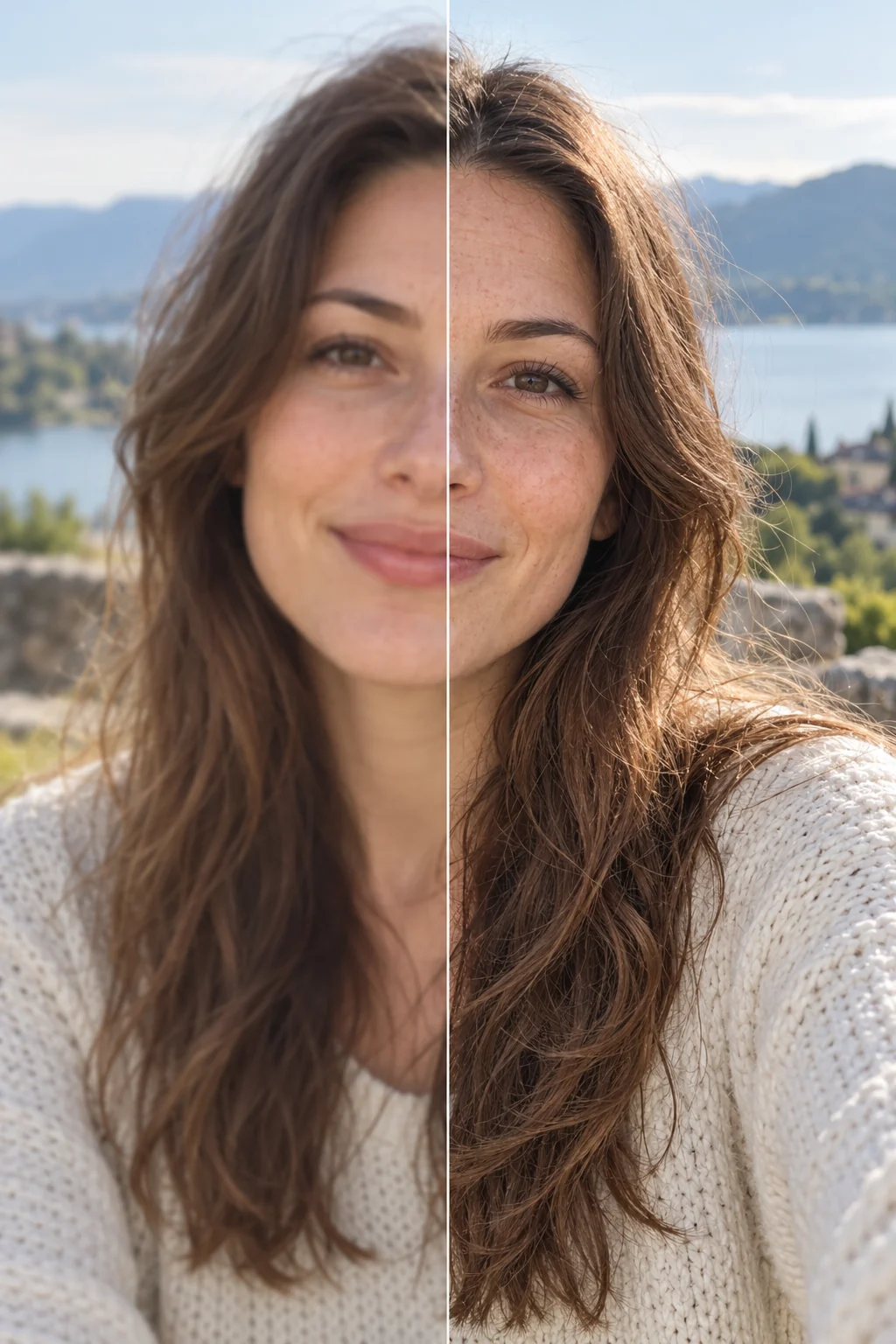
Know what to look for
Image quality enhancement describes a range of edits that can make an image more useful at its intended size. Lem Gen's enhancer requests a 2× AI upscale, increasing the pixel dimensions while estimating visual detail. It is not a guaranteed repair for blur, noise or color, and generated detail may differ from what was in the original scene.
A larger, less compressed original gives the model more information to work with.
The requested result is 2× the width and height, within the displayed output limits.
Compare faces, fine text, product labels and edges before sharing or printing.
Open the enhancer and upload one JPG, PNG or WebP image up to 10 MB that you have permission to edit.
Sign in and check the 2× enlargement, output size limit, visibility and credit cost before starting.
Inspect the result beside your original, particularly faces, lettering and edges, then download it if it meets your needs.
| Need | Approach | What to check |
|---|---|---|
| A larger image | Try 2× AI upscaling | Dimensions and fine detail |
| Adjust color or lighting | Use an image editor | Colors, skin tones and unintended edits |
| Restore an important original | Keep the original and review any edit | Text, faces and historical accuracy |
Prepare a photo for a larger display and inspect texture and facial detail.
Make a listing image larger while checking labels and product colors.
Start with the highest-quality source you have and check the final dimensions.
Open the image enhancer and upload a supported file. The tool requests 2× upscaling; review the visible cost and compare the result with your original after processing.
Not reliably. AI estimates details based on the input and can produce plausible textures that differ from the original. Review important details instead of treating the output as a factual reconstruction.
The tool uses an AI upscaler that may change the appearance of detail, but improvements to blur or noise vary. It does not provide separate controls for color, exposure, sharpening or noise reduction.
Upload one JPG, PNG or WebP file up to 10 MB. At 2×, the requested output must fit within a 3,840-pixel longest side and 3,840 × 2,160 total pixels.
The standard cost is 100 credits per image, including smaller images. Eligible plans may receive a discount; sign in and check the displayed account price before submitting.
No. The tool requests twice the input width and height. For example, 1920 × 1080 corresponds to 3840 × 2160 at 2×; smaller inputs generally produce smaller results, and processing remains subject to service limits.
Sign-in is required to create a task. Review the visibility control before submitting: free-account generations are public, while eligible paid accounts can choose private visibility.
You can try it on images you have permission to edit. Check product labels, colors and the intended print size carefully because AI can change fine details.