
Plug Walk Filter: Make the AI Car-Window Dance
Learn what the Plug Walk filter does, choose a strong photo, write an AI video prompt, and fix handoff, face, and footwork issues in the car-window dance.
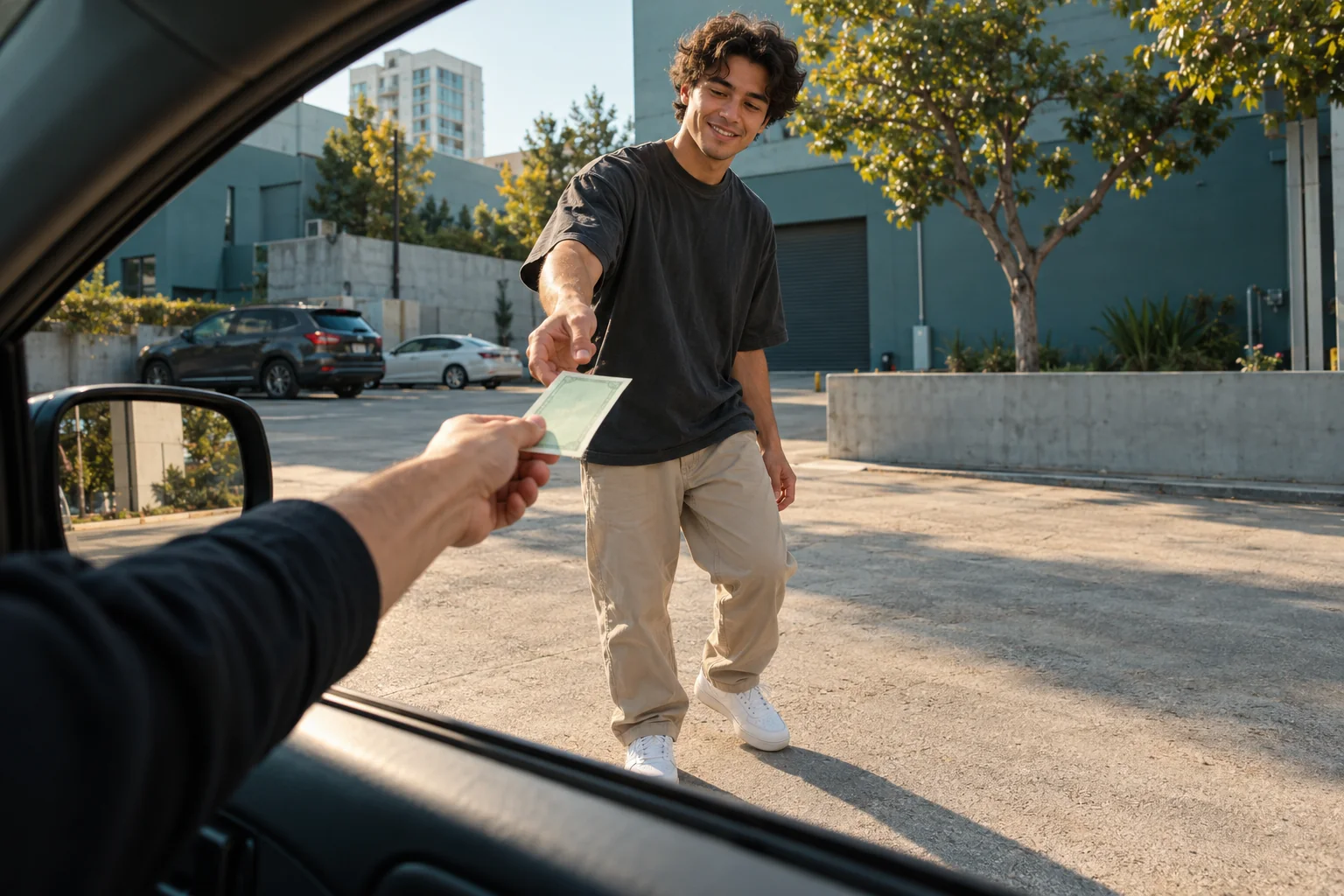
The Plug Walk filter turns a photo into a short AI scene with a recognizable setup: a person accepts a banknote through a car window, steps back, and breaks into a relaxed, bent-knee dance. The camera usually stays inside the car while the performer moves away. That small story is what separates the effect from a generic walking animation.
This guide explains the look, gives you an adaptable video prompt, and shows what to check before sharing. You can recreate the idea in the Lem Gen image-to-video tool. The workflow below uses a reference image and written directions; it does not assume a dedicated one-click preset.
The cover and five images in this guide are AI-generated editorial illustrations. They explain composition and motion planning; they are not screenshots or verified video-generation results.
What is the Plug Walk filter?
Although people call it a “filter,” the effect is usually a generated video sequence rather than a live camera overlay. A source image supplies the subject's appearance, and an AI model or prepared template supplies the setting and movement. Implementations differ, so compare the preview rather than relying on the name alone.
The car-window version typically has three beats:
- The handoff: a hand inside a parked car offers one banknote to the person outside.
- The retreat: the person accepts it, reacts toward the camera, and takes a few steps back.
- The dance: bent knees, loose shoulders, low arm movements, and a side-to-side weight shift create the swaggering payoff.
The name is associated with Rich The Kid's song “Plug Walk.” A generator's use of that name does not establish which soundtrack it exports, and different templates can use different edits or movements.
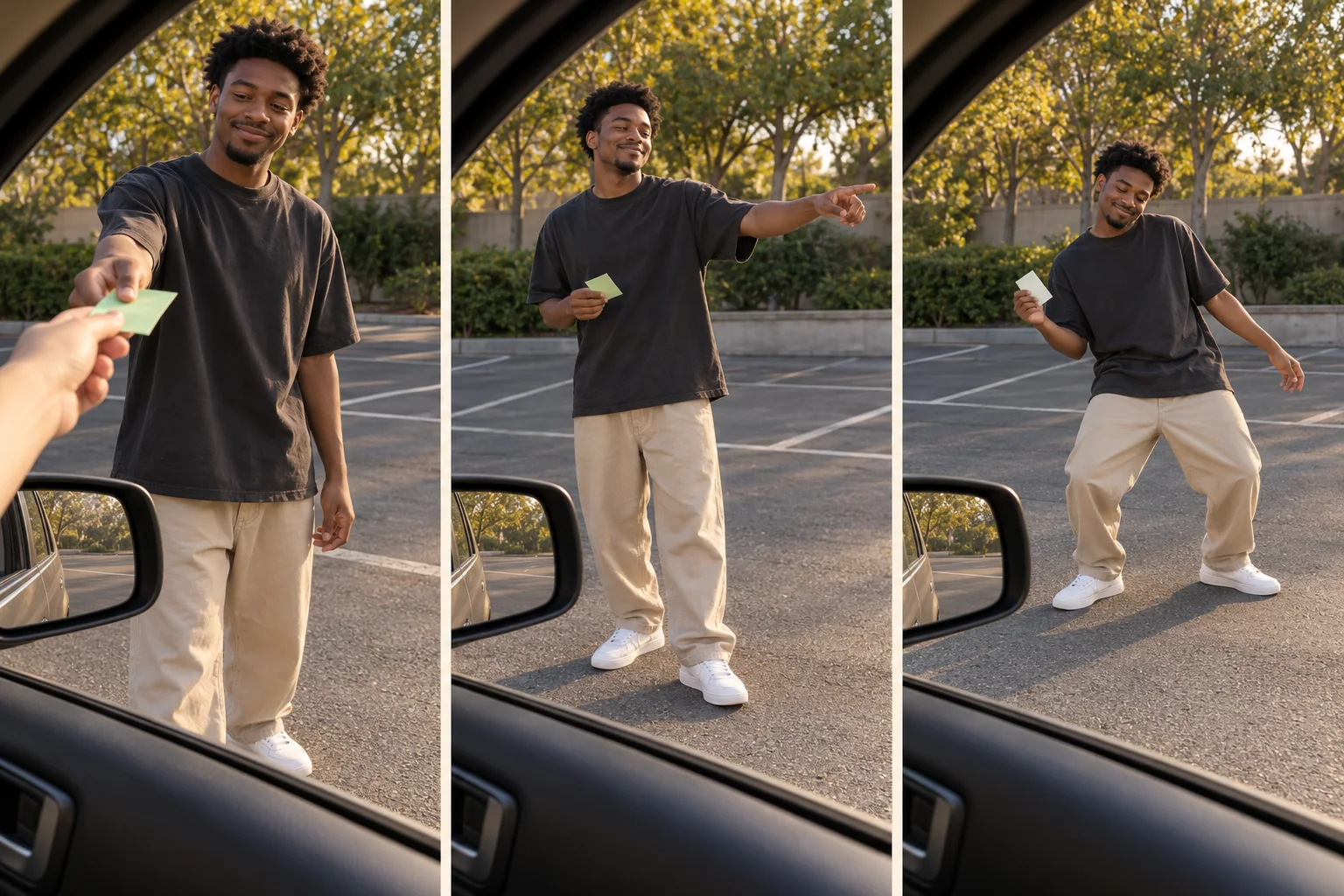
AI-generated storyboard: keep the handoff, retreat, and dance readable as one continuous scene.
Choose a reference photo that leaves less to invent
A close selfie can identify a face, but it leaves the generator to imagine the torso, trousers, shoes, and stance. For this effect, a clear full-body image is a more useful starting point because the final dance needs visible feet and a stable silhouette.
Choose a photo with one adult subject, even lighting, an unobstructed face, and clearly separated arms and legs. Leave space above the head and around both shoes. Avoid a crowd, heavy motion blur, hands hidden behind objects, or an extreme wide-angle face distortion. Use your own photo or one you have permission to animate.
Clothing helps continuity: a plain jacket with a distinct color is easier to track visually than a busy pattern covered by accessories. If you need to clean up the background or widen the composition, prepare the still in the Lem Gen image editor before animating it. Our character consistency workflow explains how to define the features that should stay fixed.
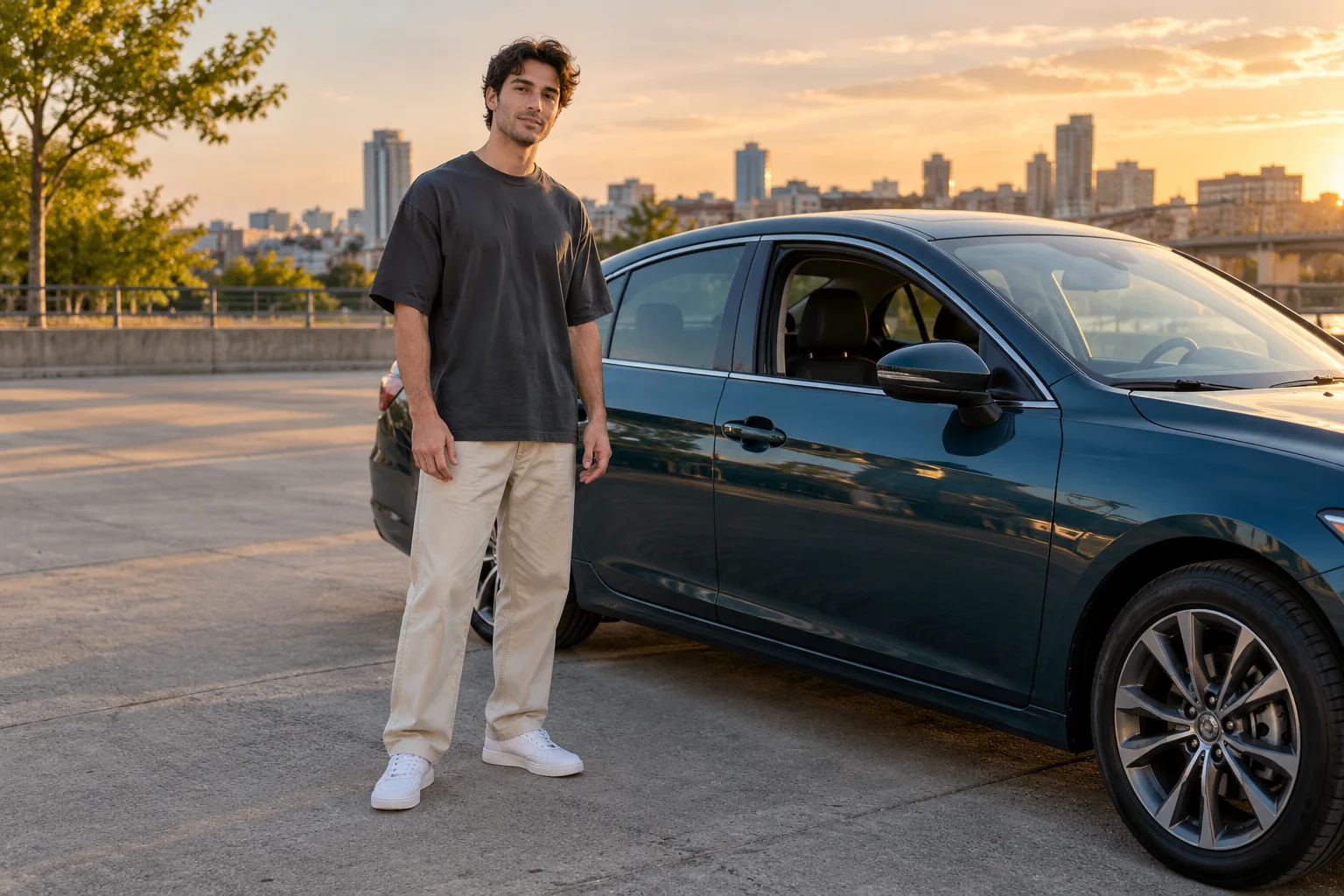
AI-generated source-photo example: visible shoes and an uncluttered outline give you useful details to check later.
How to recreate the Plug Walk effect with AI
1. Prepare the opening frame, then choose image-to-video
Open image-to-video, choose an available model, and upload the photo. Use the controls and input limits shown for that model; supported dimensions, duration, audio, and credit cost can differ. Do not assume that a setting shown in another tutorial exists in every model.
Check how the model uses the upload. In a first-frame workflow, that image is the beginning of the video, not just a reference for the person's identity. A studio portrait cannot also be the opening view from inside a car. First use the image editor to place the adult beside an open car window, viewed from inside the stationary car, with a receiving hand and room to step back. Review that still, then upload it for animation. Use an ordinary portrait directly only when the selected mode explicitly supports a separate subject reference.
For the opening still, try: “Preserve this adult's face and outfit. Place them outside the open side window of a parked car, viewed from inside. Show one hand offering a single plain prop banknote, before the exchange. Leave clear ground behind the person for a backward step. Natural daylight, no logos.” Check the hands and perspective before moving on.
For a vertical social post, select a portrait format if the model exposes that option. If it does not, plan the source composition around the final crop. The person, the receiving hand, and the later footwork all need to fit.
2. Describe the action in order
“Make them do the Plug Walk” leaves the model to guess which version you mean. Describe the car window, the single banknote, the handoff, the backward steps, and the relaxed dance. State that the car is stationary and the camera stays inside it.
Keep the first attempt simple: one performer, one note, one camera angle, and no scene cuts. A spin, a camera orbit, an outfit change, and a complicated hand gesture all compete with the basic sequence.
3. Generate a draft and inspect three moments
Watch the draft at normal speed, then pause where the fingers meet the note, where the subject steps away, and where the dance begins. These moments expose different problems: object contact, identity continuity, and ground contact.
Check whether the handoff actually finishes before the backward steps. The note should not multiply or teleport, the face should remain recognizable as it gets smaller, and the shoes should stay connected to the ground. A convincing opening frame does not establish that the entire clip works.
4. Change one instruction and compare
Keep a short record of the source image, selected model, prompt, and the problem you want to fix. If the camera follows the dancer, tighten the camera instruction. If feet leave the frame, widen the framing. If the handoff fails, simplify the interaction before adding more choreography.
These are practical adjustments to try, not guaranteed fixes. Motion generation is variable, and a model can still miss a requested action. For a broader way to separate subject, motion, camera, and timing, read our video prompt patterns guide.
A Plug Walk video prompt you can adapt
Use the following as a starting point. Add the outfit details visible in your reference. Keep the prompt consistent with the available model controls rather than asking for unsupported settings.
Create a short portrait video using the reference image for the adult performer's face, outfit, and body proportions.

View the scene through the open side window of a stationary car. Keep a small part of the window frame visible in the foreground. One hand from inside the car offers a single plain prop banknote to the performer outside.

First, the performer takes the note and smiles toward the camera. Next, they step backward until their entire body and both shoes are visible. Then they begin a relaxed dance: bent knees, gentle side-to-side weight shifts, loose shoulders, and low swinging arms. They keep holding the note.

Keep the camera inside the parked car for the whole shot. Preserve the performer's facial features, clothing, and proportions. Keep the street background stable and the feet grounded. One performer, one note, one continuous take, no scene cuts.
This prompt describes the intended result; it has not been benchmarked as a universal recipe. If your model offers a separate negative-prompt field, use a short list of the defects you actually see, such as extra hands, duplicated notes, changing clothes, or sliding feet. If there is no such field, express the most important constraints in the main prompt.
Two focused revisions
For a rushed handoff, replace the first action sentence with: “The performer pauses beside the window, closes one hand around the note, and only then steps back.” This gives the contact moment a clearer place in the sequence.
For stiff or exaggerated dancing, replace the dance sentence with: “Use small bent-knee weight shifts, relaxed shoulders, and restrained arm swings; keep the movement casual and close to the ground.” Do not add a second dance style at the same time.
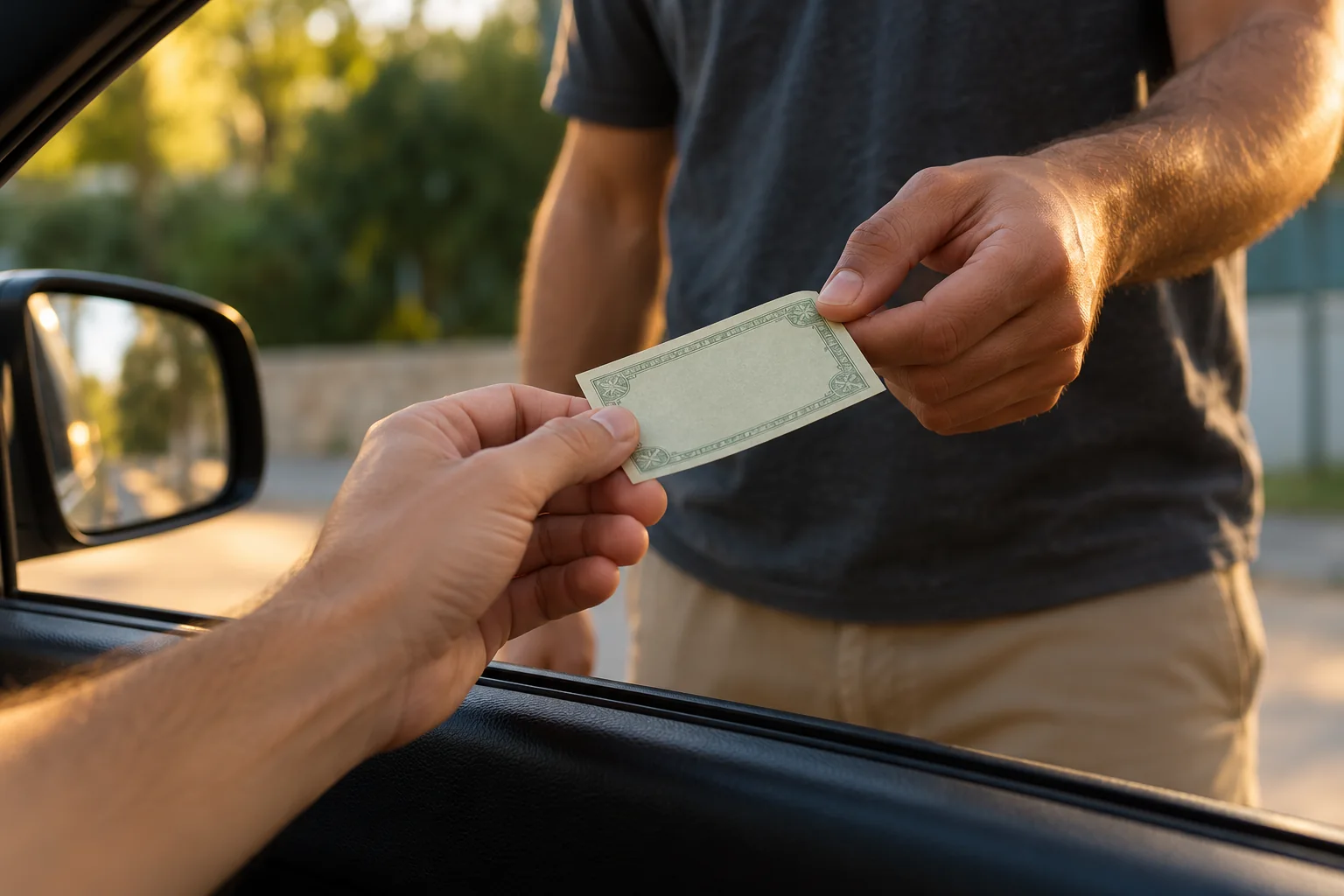
AI-generated detail study: review the receiving fingers and the single note before judging the dance.
Keep the camera and the dancer's movement separate
The camera position is part of the joke. The viewer stays in the car while the performer moves from a close interaction to a wider dance. If the camera automatically follows, zooms in, or orbits around the subject, that relationship becomes less clear.
Use a visible window edge as a visual anchor. Ask for backward movement from the subject and a steady viewpoint from the camera. Small natural handheld movement can be a creative choice, but start with a stable view so you can judge the choreography.
Leave enough empty ground behind the performer for the retreat. Avoid asking for a tight portrait and a full-body dance in the same fixed framing without giving the person space to move away.
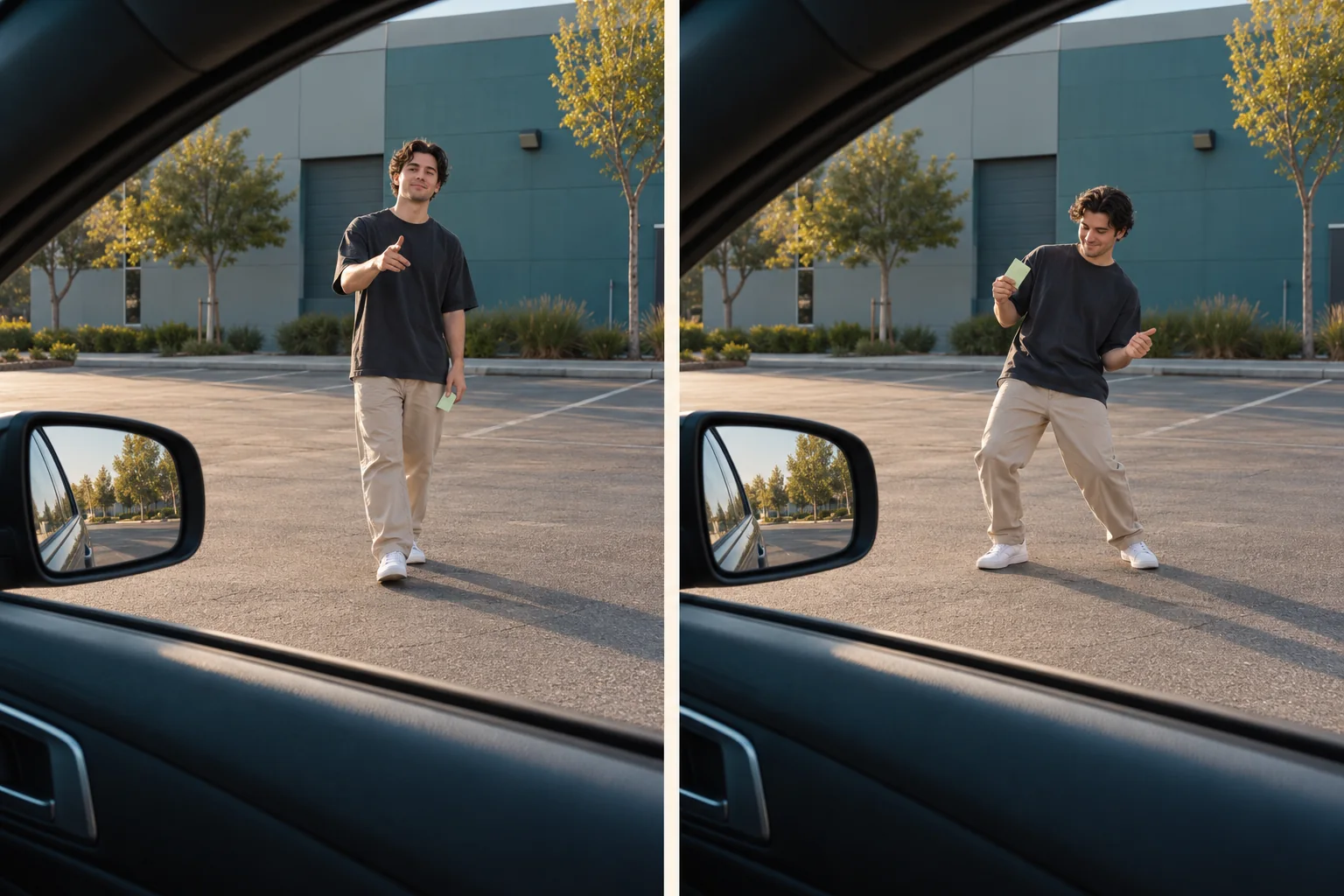
AI-generated camera study: the car window anchors the viewpoint while the performer creates the change in scale.
Fix common handoff, face, and footwork problems
Use the visible problem to choose your next change. Rewriting every part of a prompt makes it difficult to tell which adjustment helped.
| What you see | What to inspect | Next adjustment to try |
|---|---|---|
| Extra fingers or two notes | The contact frame and number of interacting hands | Specify one receiving hand and one note; remove extra gestures during the exchange. |
| A changing face or outfit | Reference clarity and continuity as the person retreats | Use a clearer reference and remove conflicting appearance instructions. |
| Feet slide or legs twist | Ground contact, crossed legs, and the size of each movement | Try smaller weight shifts, a balanced stance, and fewer steps. |
| The dance is cropped | Space around the shoes in the final frame | Start wider or ask the performer to retreat farther before dancing. |
| The handoff disappears | Whether too many actions compete for the clip | Prioritize the exchange, then the retreat, then a short dance; remove secondary actions. |
| The window or street drifts | Whether the camera direction contradicts the fixed viewpoint | Keep the car stationary and remove tracking, orbit, or zoom instructions. |
Frame the final clip and add audio deliberately
Review the whole clip in the shape you intend to publish. In a portrait crop, keep the face, the handoff, and the shoes away from edges where platform controls or captions may cover them. Use a short caption outside the main action instead of covering the receiving hand.
Listen to the exported file. Depending on the model, it may contain generated sound, a different track, or no audio. The phrase “Plug Walk filter” does not guarantee that the original song is included. Add a soundtrack that you can use for the destination and account type; for promotional posts, check the platform's commercial-music options.
Use the platform's AI-content disclosure for realistic generated footage. The performer may look like a real person, but the handoff and dance in a photo-to-video result were synthesized. That distinction is also why the illustrations in this article are labeled.
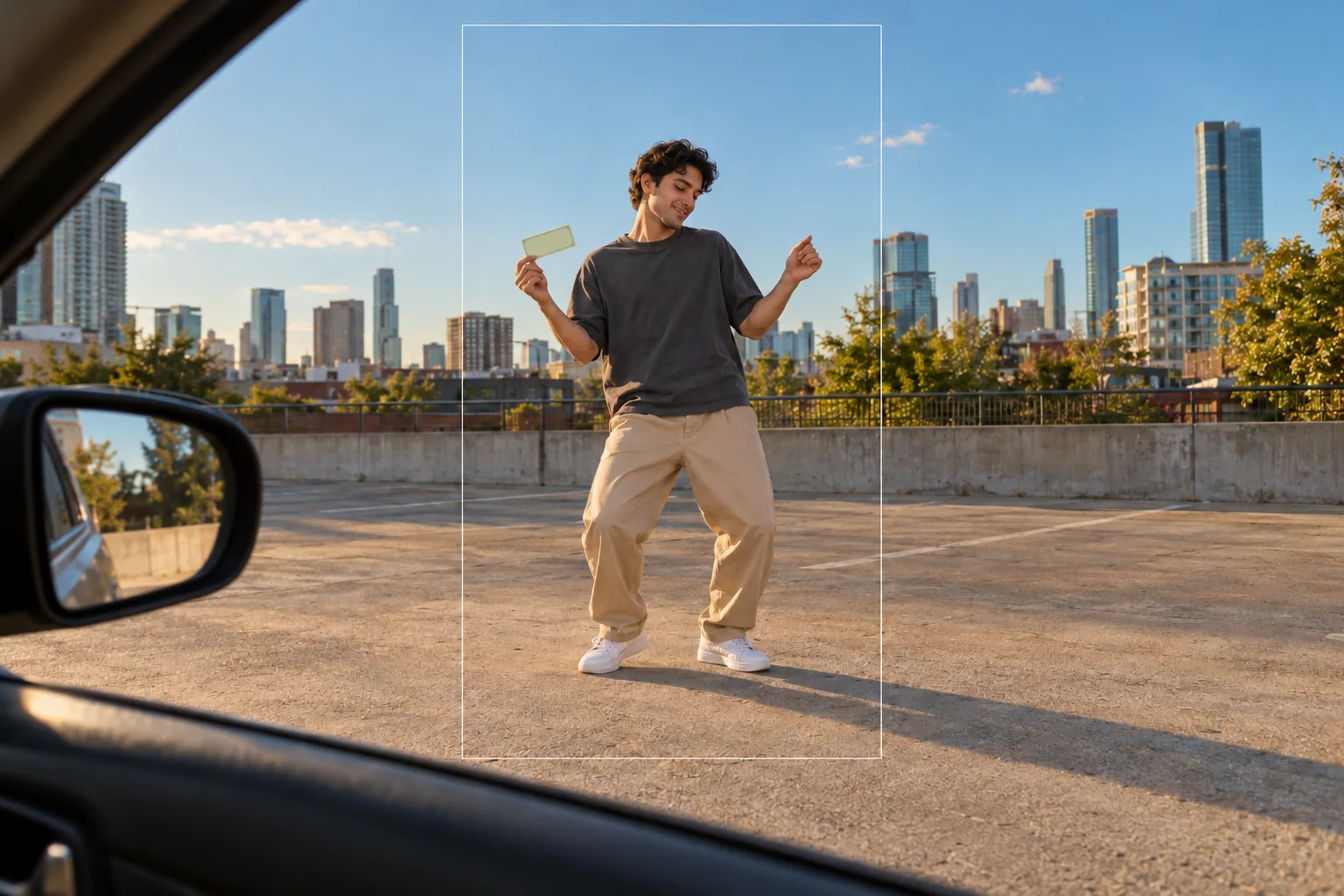
AI-generated framing example: preserve the full dance pose and leave room around the subject for a vertical crop.
Frequently asked questions
What is the Plug Walk filter?
It is an AI video effect that typically turns a photo into a car-window cash-handoff scene: the subject accepts a banknote, steps back, and performs a loose, bent-knee dance.
Do I need to film myself dancing?
A photo-to-video workflow can generate movement from a still image. Some tools also accept motion references. You do not need to record a dance for the prompt-based workflow described here.
Can I use a selfie?
A clear selfie may work, but the model must invent any body, clothing, and footwear outside the frame. A full-body image gives it more visible information to preserve.
Is Plug Walk a specific CapCut filter?
The name is used for different templates and AI effects. A template called Plug Walk does not necessarily reproduce the car-window handoff and dance. Check its preview and input requirements.
Does the generated video include the song?
Do not assume it does. Audio support depends on the model or template. Check the generated file and add a permitted soundtrack separately when needed.
Does Lem Gen have a one-click Plug Walk template?
This guide uses Lem Gen image-to-video with a written motion prompt. It does not depend on a dedicated Plug Walk preset or promise an exact match to a template.
Build your first version
Choose one clear photo, keep the three action beats, and review the handoff before adding more movement. Start in Lem Gen image-to-video, use the image editor when the still needs preparation, or browse the Lem Gen blog for more practical prompt workflows.