
Neon Eyes Cinematic AI Photo Prompts: 12 Ideas
Explore neon eyes cinematic AI photo prompts for cyan, red, fantasy, sci-fi, and studio portraits, with copy-ready examples, a prompt formula, and fixes.
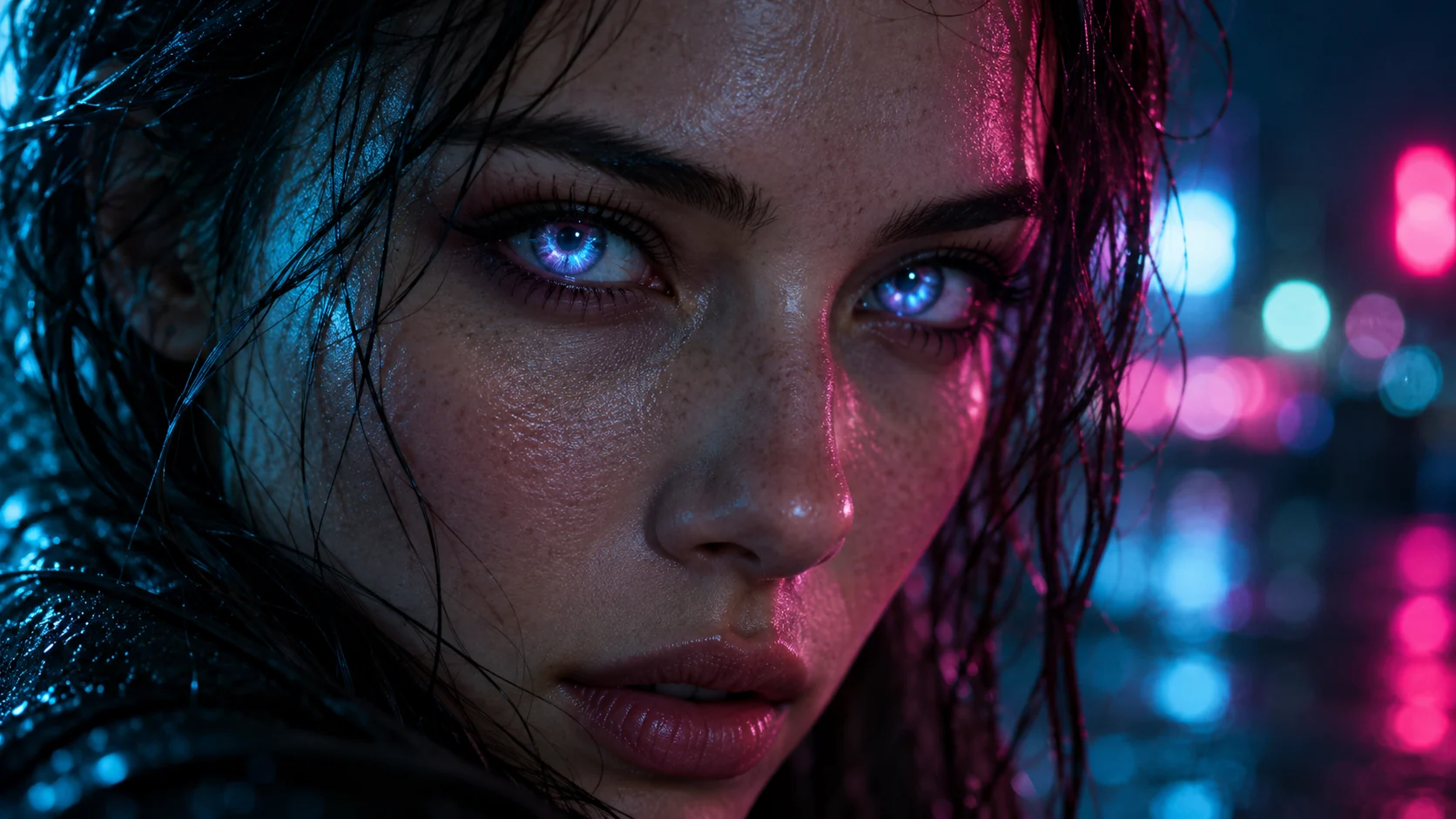
Neon eyes cinematic AI photo prompts describe a portrait where the eyes become the focal point through colored glow, reflected signage, or a carefully controlled mix of both. The phrase is a creative search description, not one fixed photography technique or generator setting. Results improve when you say exactly what is glowing, where the light comes from, and how the image should be framed.
This guide gives you 12 copy-ready neon eyes prompts, a reusable formula, and practical fixes for crossed pupils, blown highlights, and plastic-looking skin. For a broader prompt-writing workflow, see Lem Gen’s image-to-prompt guide and prompt remix workflow. You can adapt the examples in the Lem Gen text-to-image tool or start from a visual reference in the image editor.
The cover and five supporting images are AI-generated editorial examples. They illustrate prompt directions; they are not screenshots or guaranteed outputs from a specific model.
What does “neon eyes” mean in a cinematic AI portrait?
In this prompt style, “neon eyes” usually means one of three visual treatments:
- Emissive irises: a colored glow appears to come from the iris, often used for science-fiction or fantasy portraits.
- Neon reflections: signs, screens, or practical lights reflect in the eyes while the eyes themselves remain natural. This is often the easiest direction for a photographic result.
- A restrained combination: a faint iris glow with matching reflections on the eyelid or cheek. Keep the effect subtle so facial detail stays visible.
Call out the treatment explicitly. “Neon eyes” by itself can produce glowing pupils, bright eye makeup, colored lighting over the whole face, or an unrelated cyberpunk scene. A clearer instruction is: “the cyan glow is contained inside both irises; keep the pupils visible and let the nearby skin catch only a faint reflected light.”
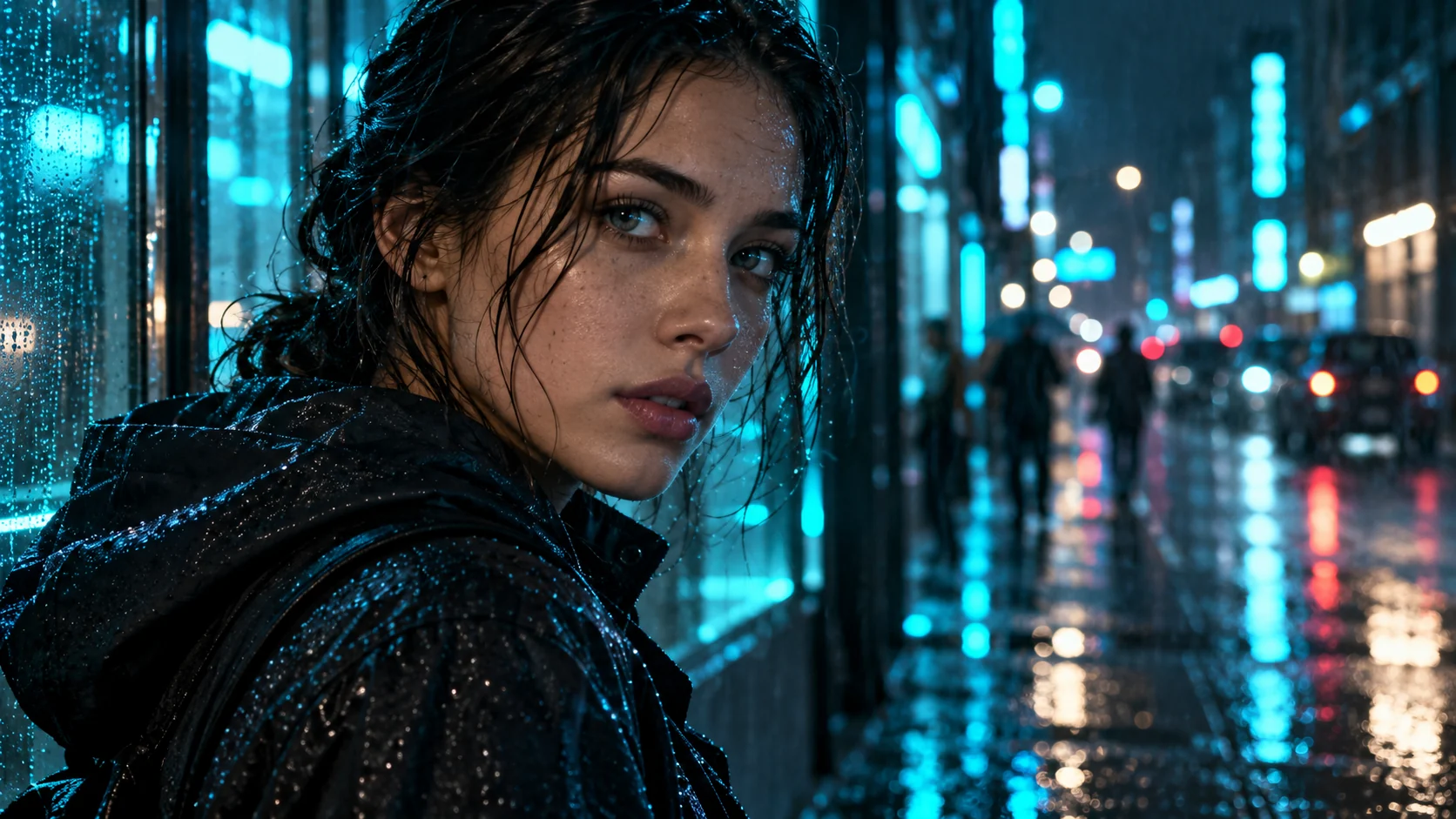
Reflected neon usually reads as more photographic than a full-strength glow across the entire eye.
A prompt formula for cinematic neon eyes
Build the prompt from the shot outward. This makes the result easier to diagnose than a long string of style adjectives.
[Shot type] of [adult subject] in [setting].
Eye treatment: [iris glow, neon reflection, or a restrained combination].
Composition: [crop, angle, gaze, and focal point].
Lighting: [source, direction, softness, and contrast].
Color grade and mood: [palette and emotional tone].
Detail: [skin, hair, fabric, atmosphere, and photographic texture].
Constraints: [eye anatomy, identity, exclusions, and intended aspect ratio].
For example:
Tight cinematic portrait of an adult standing beneath a cyan shop sign on a rainy night. Both naturally aligned eyes look toward the camera; cool signage is reflected in the irises, with visible pupils and realistic catchlights. Frame at eye level with the eyes in crisp focus and the wet street softly blurred behind. Use soft neutral fill on the skin, restrained cyan rim light, deep navy shadows, natural pores, and subtle film grain. Keep the face realistic; no extra eyes, crossed pupils, laser beams, text, or watermark.
Think in terms of a subject, photographic medium, environment, lighting, color, mood, and composition. Then add only the constraints that protect your intended result. Move model-specific syntax such as aspect-ratio parameters or a negative-prompt field into the generator’s own controls. Lem Gen’s GPT Image prompt collection has more examples you can adapt.
12 copy-ready neon eyes cinematic AI photo prompts
These prompts use natural language so you can adapt them across image generators. If your tool has separate settings for aspect ratio, reference images, or negative prompts, set those in the interface. Generate one baseline first, then adjust a single major variable such as eye color, light direction, or background.
1. Cyan close-up portrait
Cinematic close-up photograph of an adult with both eyes in sharp focus against a dark, softly blurred background. Add a controlled electric-cyan glow only inside the irises; keep the pupils visible, the eye shape natural, and the sclera softly lit. A faint cyan catchlight reaches the lower eyelids. Use realistic skin texture, subtle film grain, low-key studio lighting, and a calm direct gaze. No extra eyes, crossed pupils, solid glowing eyeballs, text, logos, or watermark.
2. Rainy cyberpunk street
Editorial night portrait of an adult standing in light rain on a futuristic city street. Cyan and magenta signs appear as small reflections in both naturally aligned irises, while the face remains realistically exposed. Frame a three-quarter close-up at eye level with rain-darkened pavement and soft neon bokeh behind. Use wet fabric detail, natural pores, restrained haze, cinematic teal-and-magenta grading, and a thoughtful expression. No readable signs, extra eyes, laser beams, or plastic skin.
3. Red noir iris
Moody cinematic noir portrait of an adult in a dark interior, framed tightly from the shoulders up. Let one iris carry a subtle amber-red glow and keep the other eye natural with a matching catchlight. Preserve visible pupils, realistic eyelids, and natural skin texture. Use a soft neutral key light, a narrow crimson rim light, deep shadow detail, and fine analog grain. The glow must not wash over the whole face. No blood, horror makeup, text, or watermark.
4. Violet fashion editorial
High-fashion cinematic portrait of an adult model in a minimal charcoal studio. Both eyes remain anatomically natural and aligned, with small violet neon reflections along the irises. Use a sharp eye-level crop, sculpted softbox key light, one restrained violet edge light, polished but realistic skin texture, and a sophisticated plum-and-black color grade. Keep makeup understated and the gaze confident. No over-retouching, extra pupils, text, logos, or watermark.
5. Emerald forest fantasy
Photographic fantasy portrait of an adult in a shadowy forest at blue hour. Place a gentle emerald bioluminescent glow inside both irises, with tiny reflected flecks on the lower eyelids and no change to the face. Frame a head-and-shoulders portrait with eyes in crisp focus and distant firefly-like bokeh. Use cool ambient fill, soft mist behind the subject, natural skin and hair, and restrained green highlights. No runes, extra eyes, horns, cartoon styling, or blown-out glow.
6. Refined android optics
Close cinematic film-still portrait of an adult-presenting humanoid android in a dim futuristic lab. Show exactly two symmetrical blue-white optical irises with fine glass-lens detail, a clear gaze direction, and subtle cyan light spilling onto brushed-metal accents. Keep the face elegant and the materials believable, with a cool key light, graphite shadows, and softly blurred lab lights. No extra lenses, extra eyes, weaponry, interface text, toy plastic, or watermark.
7. Violet night-train reflection
Naturalistic cinematic portrait of an adult seated beside a train window at night. A passing violet neon sign is reflected in the eyes and faintly in the glass; do not make the pupils emit light. Use a close profile-to-three-quarter composition, sharp eye focus, soft motion blur outside, and realistic window reflections. Grade the scene in deep blue and violet with warm skin tones and subtle film grain. No readable lettering, duplicated reflections, extra eyes, or artificial skin.
8. Minimal monochrome with a neon accent
Black-and-white cinematic close-up of an adult face with a single restrained cyan accent confined to the irises. Keep both pupils clear and the eye alignment natural. Use soft directional light, rich grayscale midtones, visible pores, delicate eyelash detail, and a quiet dark background. Preserve a fine-art photographic mood rather than a graphic effect. No color spill across the full face, extra eyes, text, logos, or watermark.
9. Studio split light
Contemporary editorial studio portrait of an adult looking directly at camera. Both eyes stay natural, with tiny cyan reflections on one side and magenta reflections on the other. Balance a broad soft key light with restrained colored rim lights so skin remains readable and realistic. Use a centered chest-up crop, charcoal background, crisp eye focus, shallow depth of field, and subtle film texture. No solid glowing pupils, cross-eyed gaze, beauty-filter skin, text, or watermark.
10. Neon glasses reflection
Photorealistic cinematic portrait of an adult wearing simple clear-lens glasses on a rainy city night. A cyan neon source reflects in the glass and appears as small catchlights in the eyes; keep the eyes themselves natural and visible through the lenses. Use a close eye-level crop, controlled reflections that do not hide the pupils, dark urban bokeh, realistic skin detail, and low-key lighting. No mirrored opaque lenses, readable signs, extra eyes, text, or watermark.
11. Amber desert sci-fi
Science-fiction portrait photograph of an adult traveler at blue-hour dusk in a quiet desert outpost. Give both irises a low-intensity amber glow with visible pupils and a believable reflection on the lower eyelids. Frame a close three-quarter portrait with dust-softened lights in the distance, warm amber eye accents against cool slate shadows, natural facial texture, and subtle atmospheric grain. Keep the effect understated and cinematic. No extra eyes, glowing full sockets, text, or watermark.
12. Identity-preserving eye-color edit
Edit the authorized reference portrait into a cinematic low-key scene. Preserve the same adult identity, face shape, age, expression, hairstyle, skin tone, and camera angle. Change only the iris color to a soft magenta neon glow and add a faint matching reflection to the lower eyelids. Keep both pupils visible, eye direction consistent, and all other facial details realistic and unchanged. Add a dark blurred background and subtle magenta rim light. No face reshaping, extra eyes, text, or watermark.
Five supporting visual directions
The same subject can feel photographic, fantastical, or futuristic depending on whether the neon is reflected or emitted. Keep the lighting and eye effect separate in your wording so you can switch one without rewriting the whole scene.
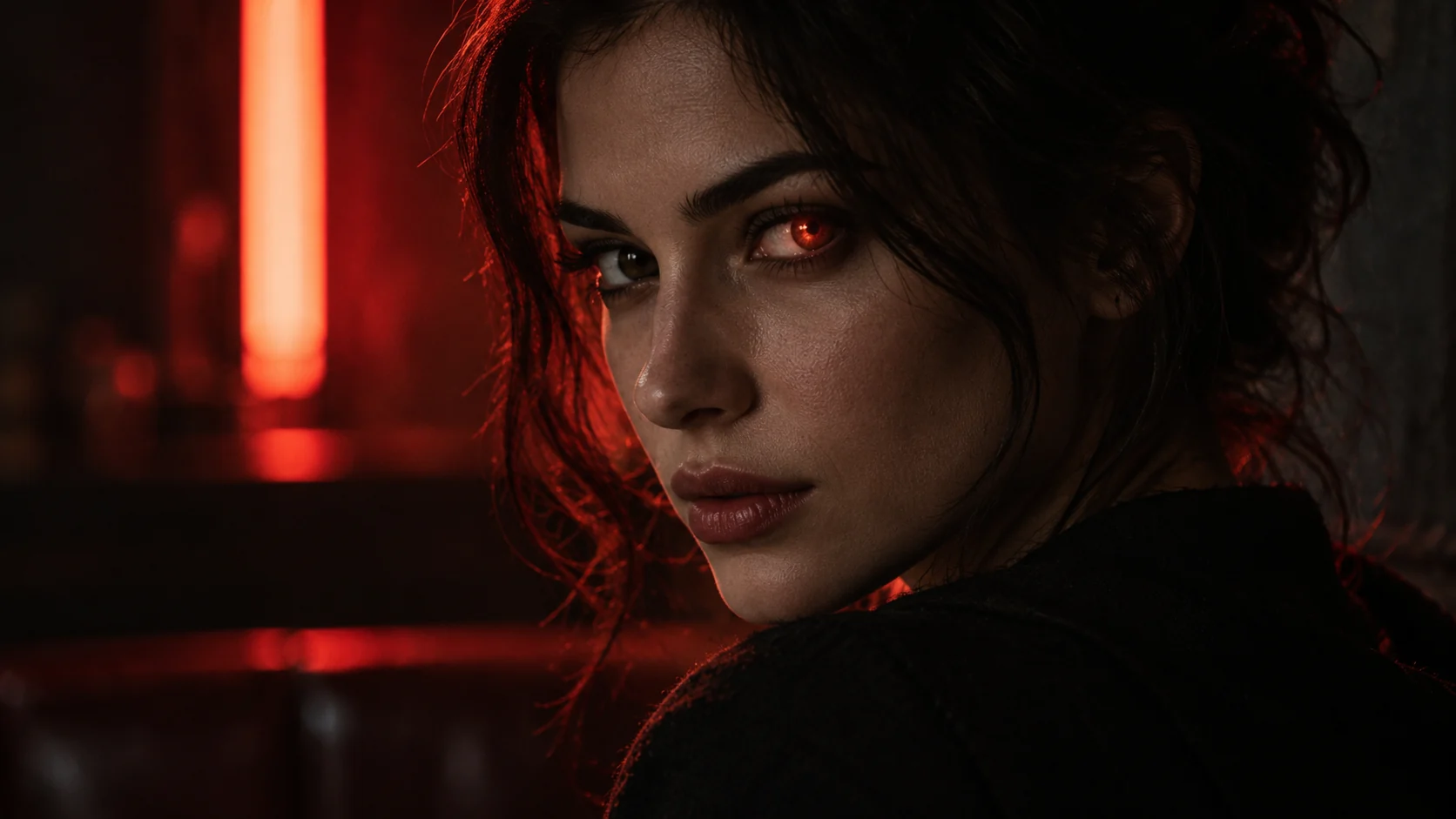
A small warm iris accent keeps the rest of the noir portrait readable.
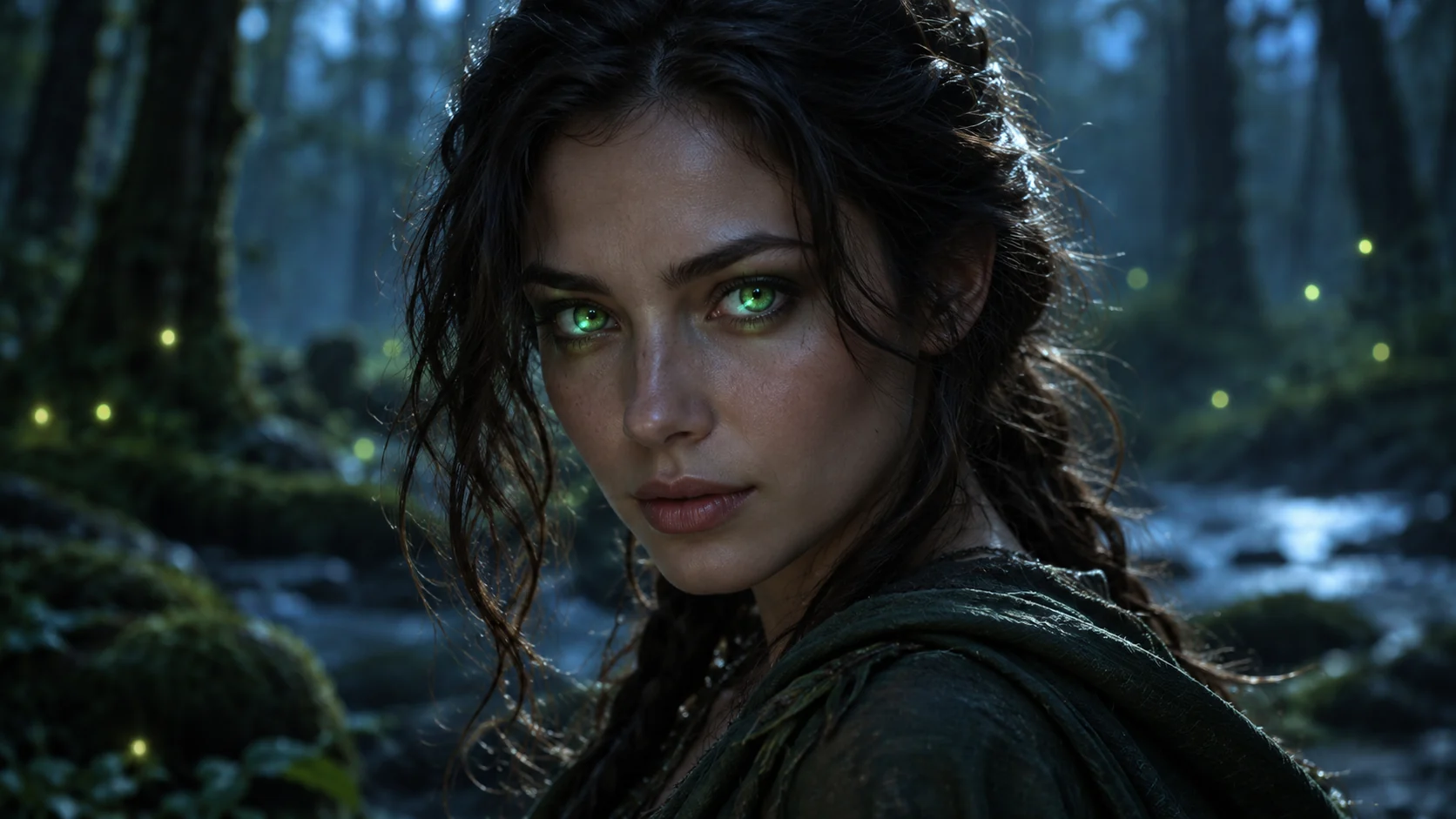
Ambient forest light and a contained iris glow create a fantasy look without replacing the subject’s face.
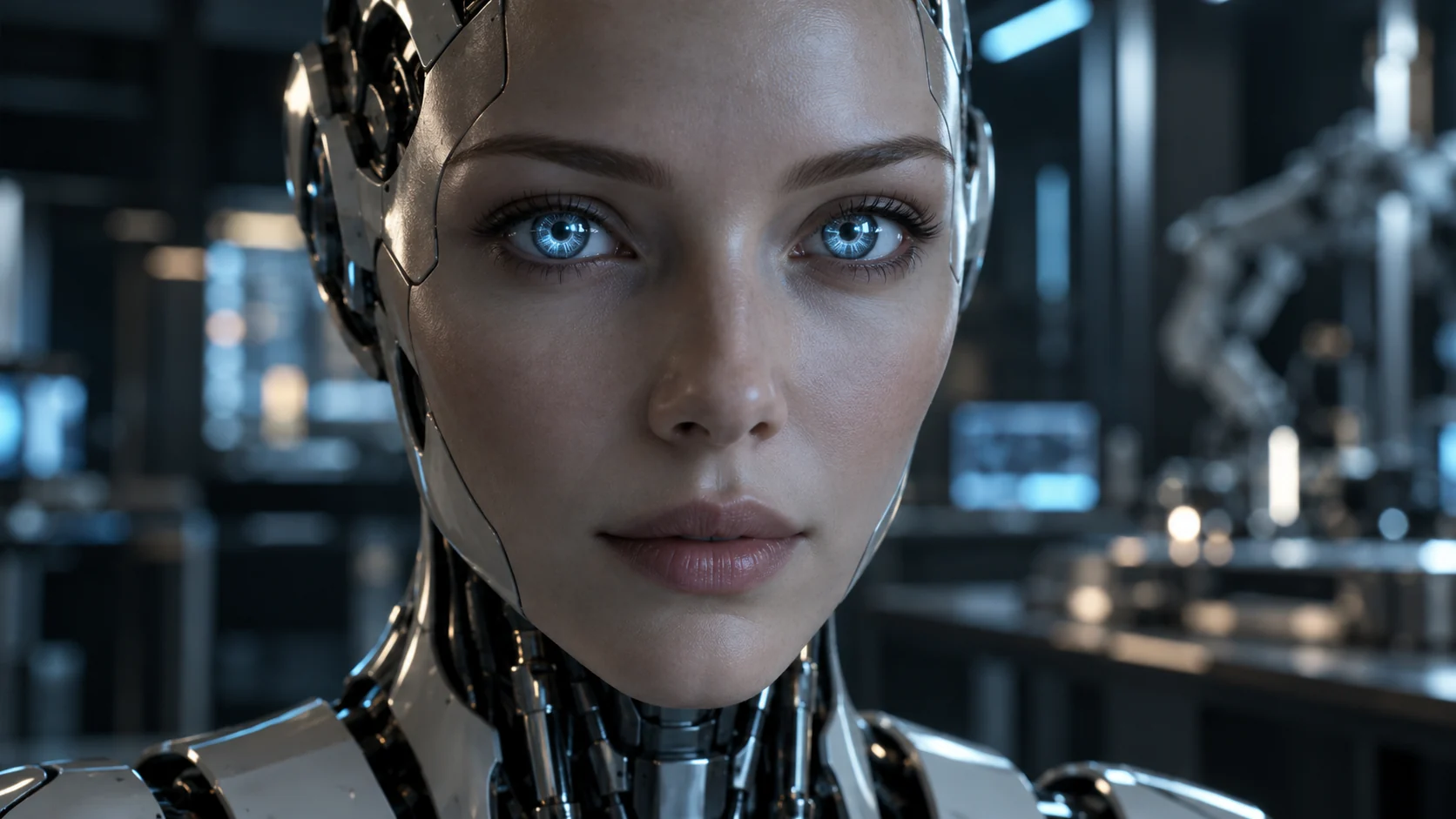
For a synthetic character, describe the optics as glass and metal details rather than simply asking for glowing eyes.
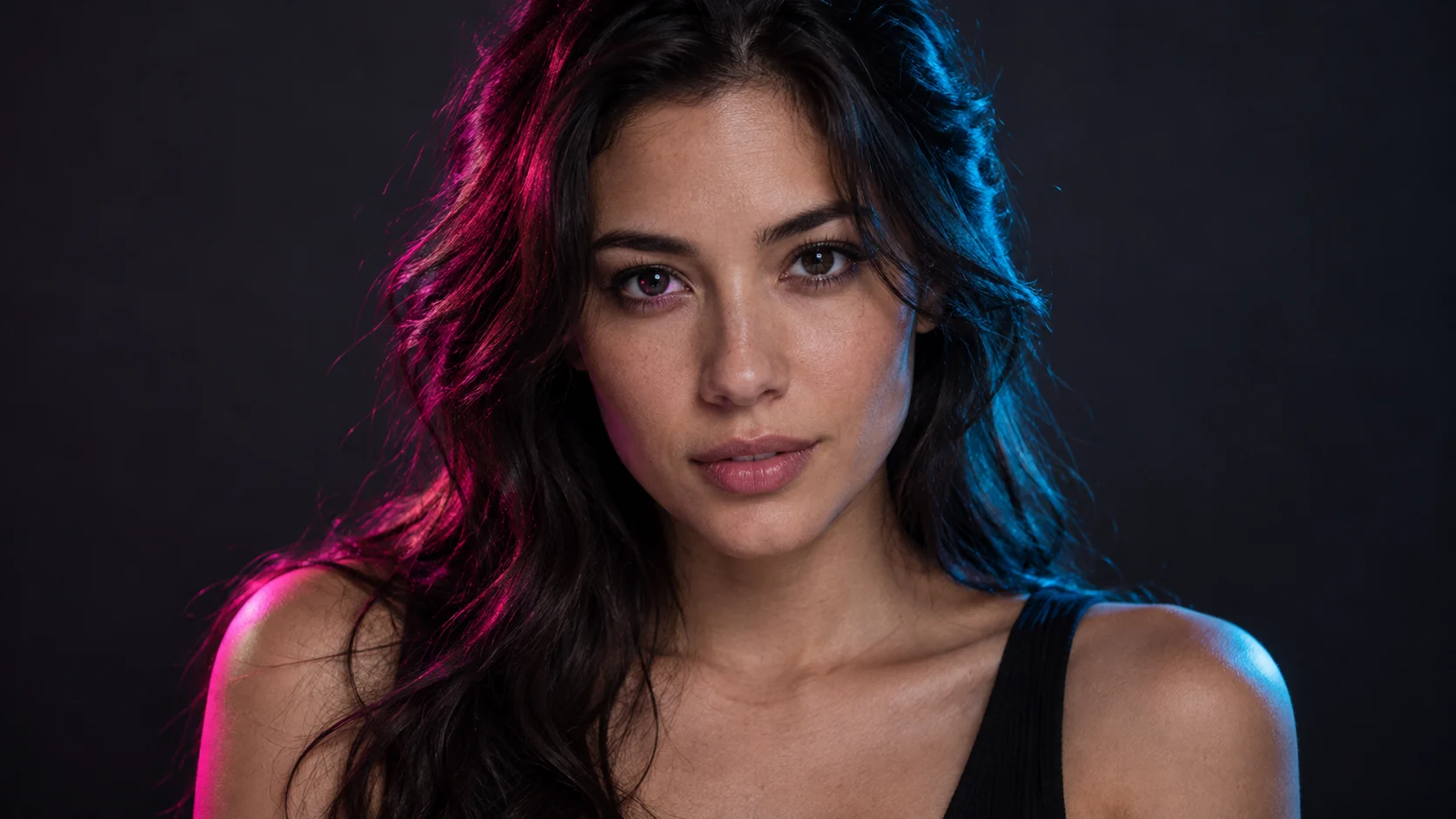
Split-color studio lighting can create a neon mood while reflections keep the eyes photographic.
Fix common neon-eye generation problems
The eyes look like blank lights
Ask for “a small glow inside the iris, with the pupil and sclera still visible.” Reduce bloom and specify that light falloff should reach only the eyelid or upper cheek. If the effect is still too strong, switch to reflected neon instead of emitted light.
The gaze is crossed or uneven
State that the subject has two naturally aligned eyes looking in the same direction. Keep the face close-up but not extreme macro, and request a clear, symmetric gaze. If the model supports image references or localized editing, use them for a portrait where identity and eye placement matter.
Neon color covers the whole face
Separate the eye effect from the scene lighting. For example: “cyan glow is limited to the irises” plus “soft neutral key light on the face.” Avoid asking for an all-over neon wash when you want skin tones to remain realistic.
The image feels like generic cyberpunk art
Replace broad labels with photographic decisions: a rainy bus stop, one blurred shop sign, a side-lit close-up, a visible catchlight, and a restrained color grade. Remove any style word that is not helping the shot.
Skin looks waxy or over-smoothed
Request natural pores, fine facial texture, and subtle film grain. Reduce the number of beauty or quality adjectives, and use a softer light source instead of sharpening every detail. Review the image at full size before publishing.
Review checklist before you keep an image
- Are there exactly two eyes, with a coherent gaze and natural placement?
- Are the pupils visible, and is the neon effect limited to the intended area?
- Do reflected signs have a plausible color and direction?
- Can you still read the face, skin texture, and expression?
- Does the crop leave enough room for the intended use, such as a cover, profile image, or poster?
- If you used a reference photo, do you have permission to edit it, and did the result preserve the details you intended to keep?
- Are there accidental letters, logos, artifacts, or details that need correction before publishing?
A simple iteration workflow
- Pick one of the prompts above and generate a baseline image.
- Check eye alignment, pupils, glow strength, facial detail, and crop.
- Name one visible failure in the next instruction, such as “reduce iris bloom” or “keep the left eye’s pupil sharp.”
- Keep the rest of the prompt stable for that iteration.
- Save the final prompt, model, aspect ratio, and review note with the image.
If you are working from an existing visual, the image-to-prompt workflow can help separate what is actually visible from what you are guessing. When a useful prompt needs a different mood or subject, use the prompt remix guide to change its structure without copying its original scene. You can explore more visual directions in the Lem Gen prompt library, then create or refine an image in the text-to-image workspace.
Frequently asked questions
What does “neon eyes cinematic AI photo prompts” mean?
It describes image prompts for cinematic portraits that make neon-colored eyes the focal point. The visual may use a glowing iris, reflections from neon lights, or both in a restrained combination.
How do I make neon eyes look realistic?
Keep the effect inside the iris, leave the pupil visible, and ask for only a faint reflection on nearby skin. Use a neutral key light so the whole face does not turn into a colored glow.
Are these prompts specific to one AI image generator?
No. The examples use natural-language descriptions, but generators interpret details differently. Put each tool’s aspect-ratio option, negative prompt, image reference, and model-specific parameters in its own controls.
Why do AI portraits add extra eyes or distort pupils?
Extreme close-ups, strong bloom, and ambiguous eye direction can make the result harder to control. Specify two naturally aligned eyes, visible pupils, and a moderate close-up, then reduce the glow if anatomy still drifts.
Can I edit a real person’s photo with a neon-eye prompt?
Use an image you own or have permission to edit. State which identity details must remain fixed, make the requested eye change narrowly, and check the relevant privacy and publishing rules before sharing the result.
Should I use a negative prompt?
Use one if your generator supports it, but keep it focused on likely failures: extra eyes, crossed pupils, hidden pupils, excessive bloom, text, logos, or watermarks. Negative-prompt behavior varies by model, so review the output instead of relying on the list alone.